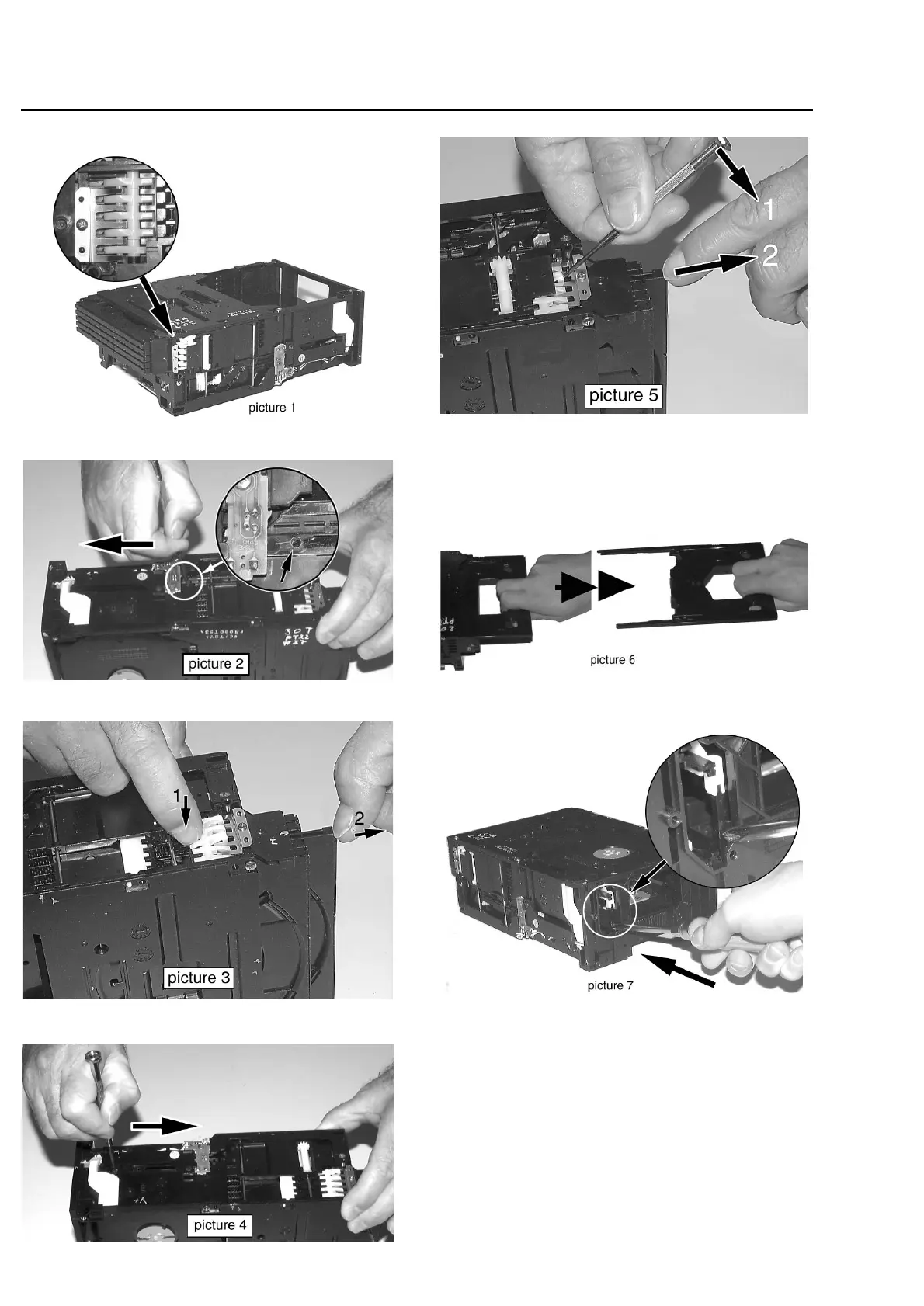
The trays of the 5DTC are mechanically
locked.
To open tray 1, 2 and 3 move lever (pos 29) backwards
(e.g. with a screwdriver - see picture 2) to its endposition.
Release the locking mechanism and pull out the tray (see
picture 3).
To open tray 4 and 5 move lever (pos 29) forward to its
endposition (see picture 4).
Release snap as shown in picture 5 and pull tray out.
To remove a CD from Play Position perform following
steps:
1. Open tray 1 as described before.
2. Tear the tray out with speed (see picture 6). The tray can
be inserted aftewards without any alignment.
3. Move lever (pos 29) forward to its endposition (see
picture 4).
4. Push lever (pos 31) forward (see picture 7).
5. Remove CD.
10-2
Emergency opening of the trays


 To Next Page