Media playback 11
MICRO SDAVDC
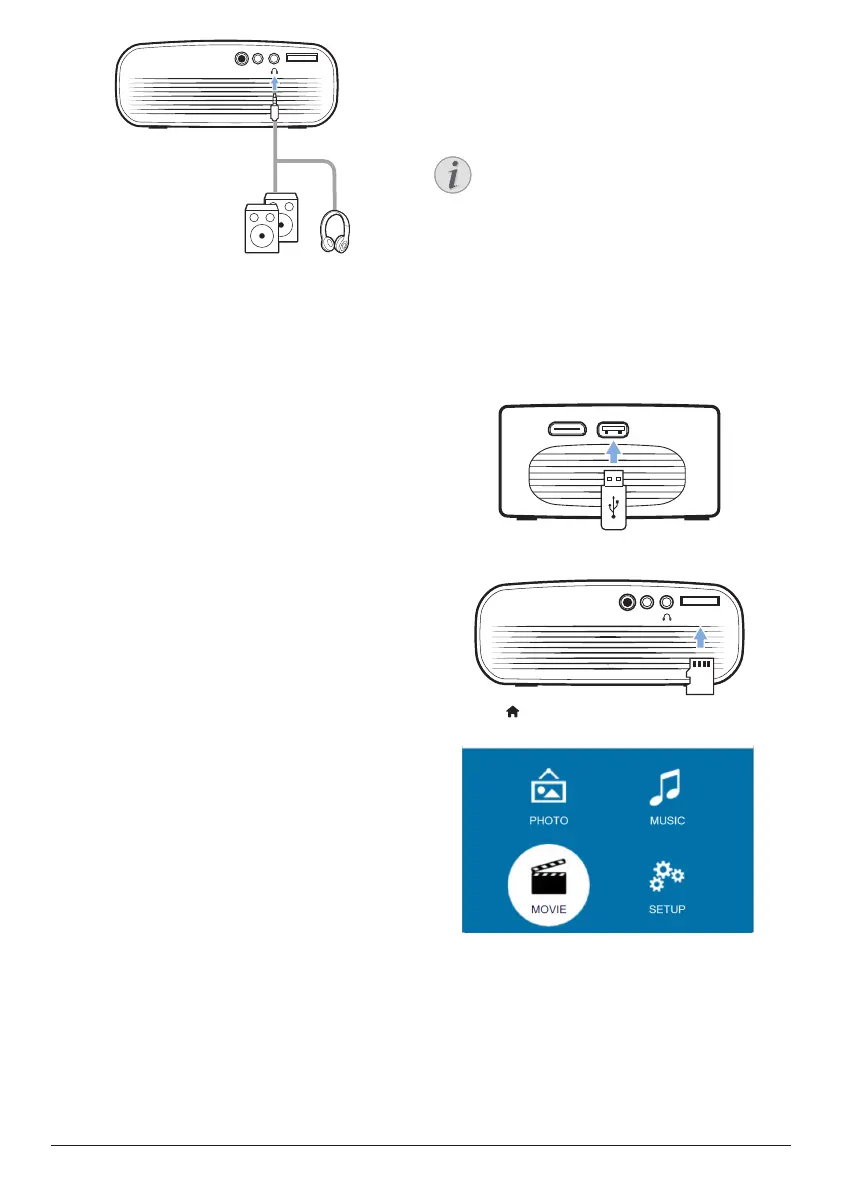
2 When connecting to the headphones, use
the volume control on the remote control to
adjust the volume to a comfortable level.
5 Media playback
This section helps you use the projector to play
media from a wide range of sources.
Notice
The projector supports a USB storage
device that is formatted for FAT16 or
FAT32 file systems.
Movie playback
Supported file formats
The following file formats are supported:
.dat/.mpg/.mpeg/.ts/.trp/.tp/.vob/.mp4/.mkv/.
avi/.flv/.3gp
1 Connect a USB storage device to the USB
port on the projector.
USBHDMI
• Or connect a Micro SD card to the
MICRO SD slot on the projector.
MICRO SDAVDC
microSD
2 Press to display the home menu on the
projection screen.
3 Press the Navigation buttons and OK to
select a following media player.
• MUSIC: access and play audio files only.
• MOVIE: access and play video files only.
• PHOTO: access and play photo files
only.












 To Next Page