14 Philips · PicoPix Max One
• Color Temp.: Set to Warm to enhance hotter
colors such as red; set to Cool to make
picture bluish; set to User to customize
color values in RGB mode.
Power control settings
Go to the following menu options to control
power consumption.
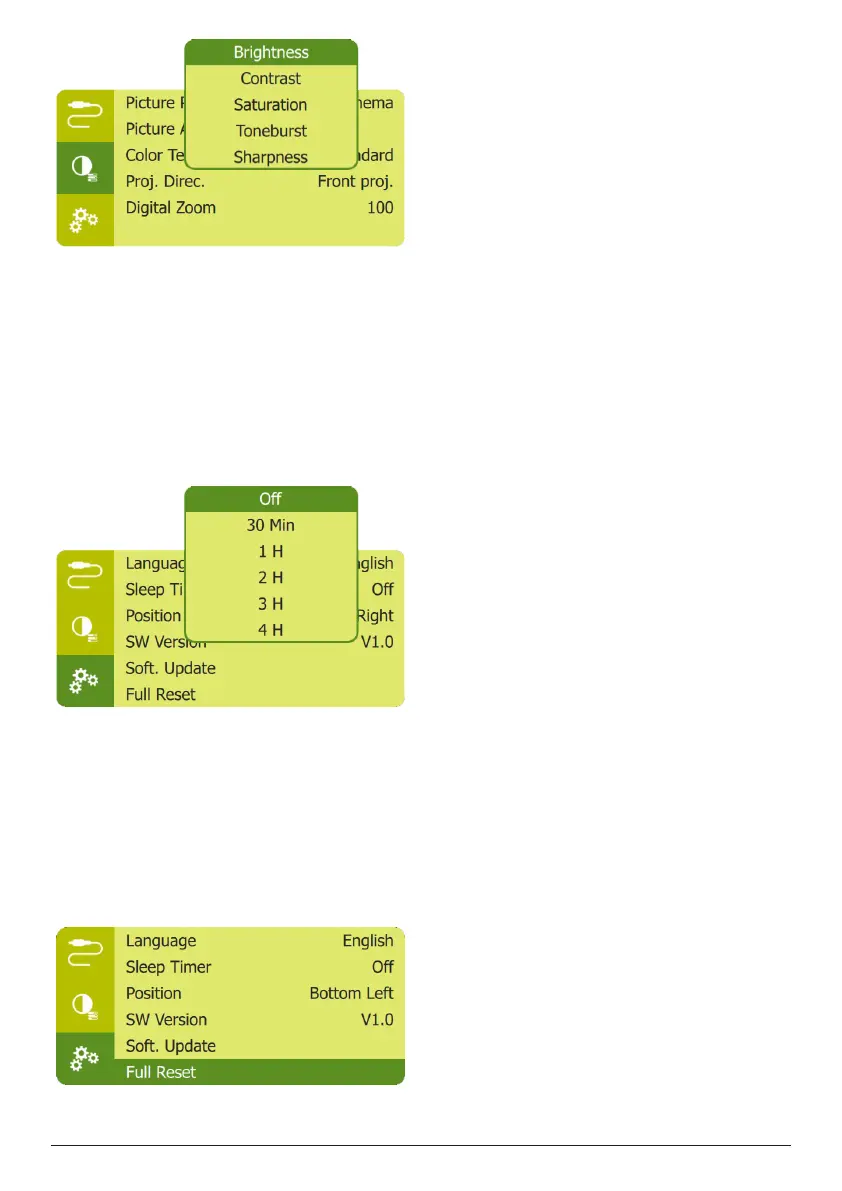
• Sleep Timer: Select a time option which
enables the projector to automatically turn
off at a specified period of time.
• Brightness Mode: Select a screen brightness
mode.
Restore default settings
If the projector does not function normally,
reset the projector to the default settings. It will
delete all the current settings.
• Navigate to Full Reset, and press OK, then
follow on-screen instructions to complete
resetting.
Other settings
You can also access the following options.
• Volume: Adjust volume of the projector.
• CEC: Activate or deactivate easy link
between the devices through HDMI
connection (see Use easy link, page 12).
• USB-C Charger: Enable or disable charging
of the connected USB-C device.
• Position: Re-position the settings menu on
the projection screen when it appears.
• SW Version: Display the current software
version of the projector.
• Soft. Update: Upgrade system software via
a USB device (see Update software, page
15).















 To Next Page