EasyManua.ls Logo

Philips PM3350A - Page 70

Philips PM3350A
109 pages
Print Icon
To Next Page IconTo Next Page
To Previous Page IconTo Previous Page
Loading...
4
APPLICATIOMS
4
-
37
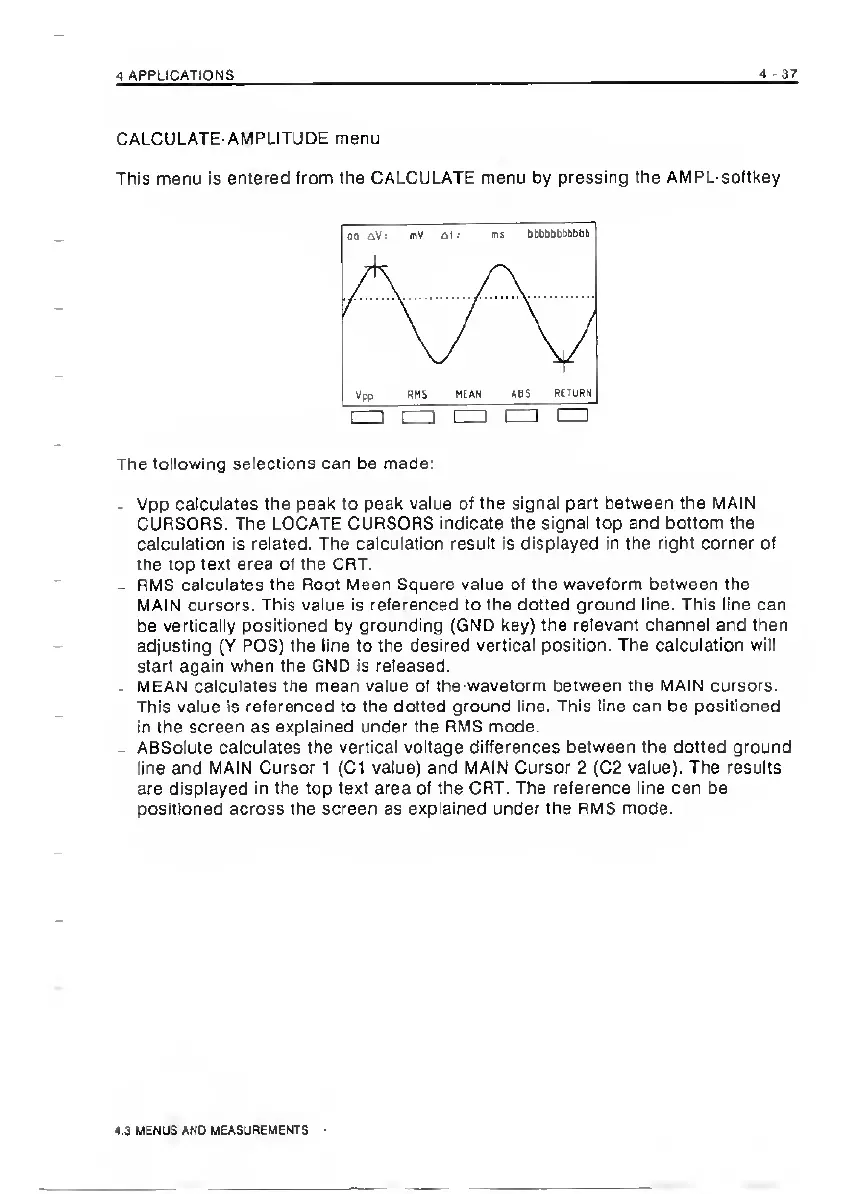
CALCULATE-AMPLITJDE
menu
This
menu
is
entered
from
the
CALCULATE
menu
by
pressing
the
AMPL-softkey
The
following
selections
can
be
made:
-
Vpp
calculates
the
peak
to
peak
value
of
the
signal
part
between
the
MAIN
CURSORS.
The
LOCATE
CURSORS
indicate
the
signal
top
and
bottom
the
calculation
is
related.
The
calculation
result
is
displayed
in
the
right
corner
of
the
top
text
area
of
the
CRT.
-
RMS
calculates
the
Root
Mean
Square
value
of
the
waveform
between
the
MAIN
cursors.
This
value
is
referenced
to
the
dotted
ground
line.
This
line
can
be
vertically
positioned
by
grounding
(GND
key)
the
relevant
channel
and
then
adjusting
(Y
POS)
the
line
to
the
desired
vertical
position.
The
calculation
will
start
again
when
the
GND
is
released.
-
MEAN
calculates
me
mean
value
of
the-waveform
between
the
MAIN
cursors.
This
value
is
referenced
to
the
dotted
ground
line.
This
line
can
be
positioned
in
the
screen
as
explained
under
the
RMS
mode.
-
ABSolute
calculates
the
vertical
voltage
differences
between
the
dotted
ground
line
and
MAIN
Cursor
1
(C1
value)
and
MAIN
Cursor
2
(C2
value).
The
results
are
displayed
in
the
top
text
area
of
the
CRT.
The
reference
line
can
be
positioned
across
the
screen
as
explained
under
the
RMS
mode.
4.3
MENUS
AND
MEASUREMENTS

Related product manuals