11
Software installation
TIP:
IMPORTANT! For Windows2000 users:
Please make sure you have Windows2000 Service Pack 3 (or later) from Microsoft
installed, before you start installation and connect RUSH to your PC. You can download
this service pack from:
http://www.microsoft.com/windows2000/downloads/servicepacks/default.asp
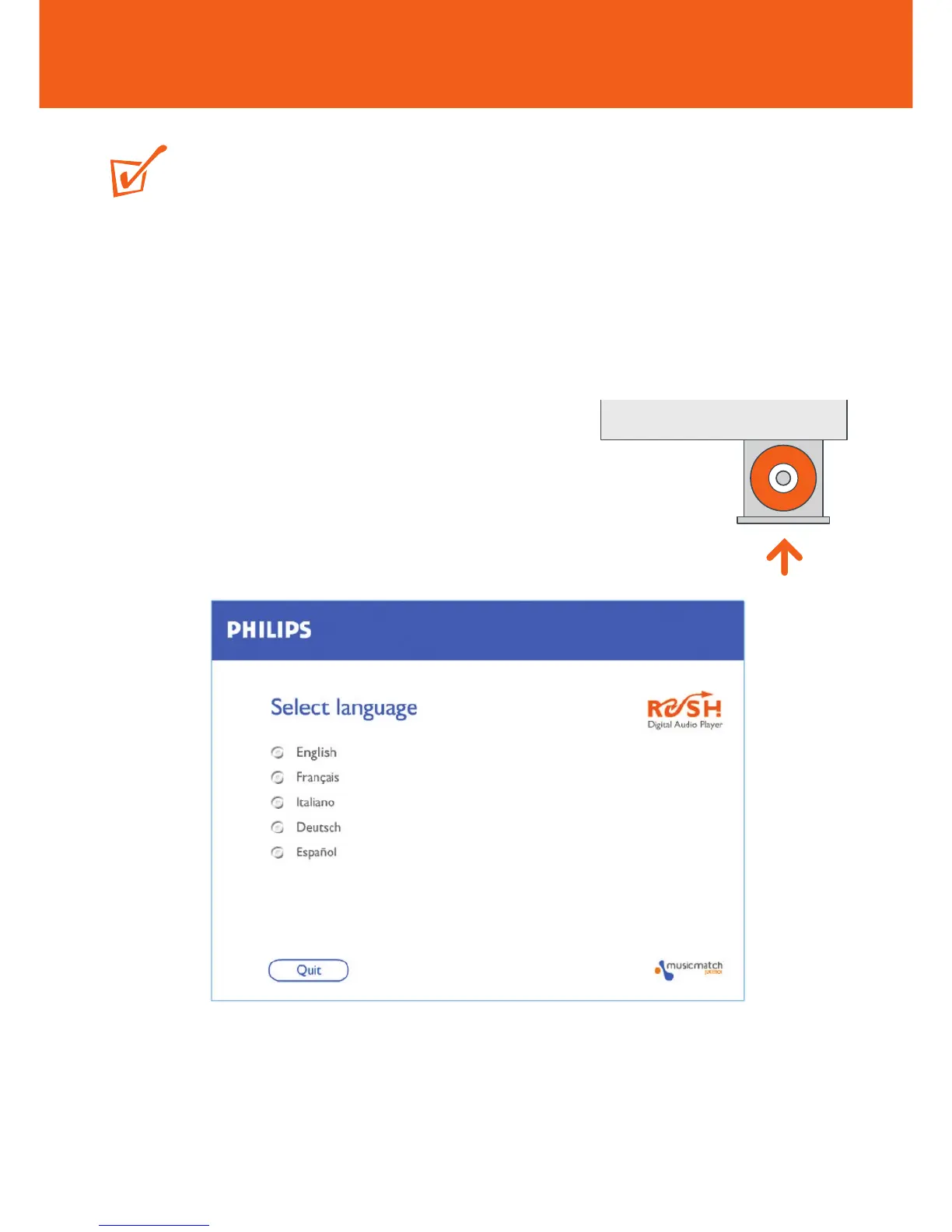
1 Insert the RUSH CD-ROM into your CD-ROM drive.
2 An introduction screen appears. Select the
language that suits you best (English, Français,
Italiano, Deutsch or Español).
3 Select your product.
4 Your PC then starts and completes automatic installation of the required PC
application.










 To Next Page