31
Manually tuning and storing presets
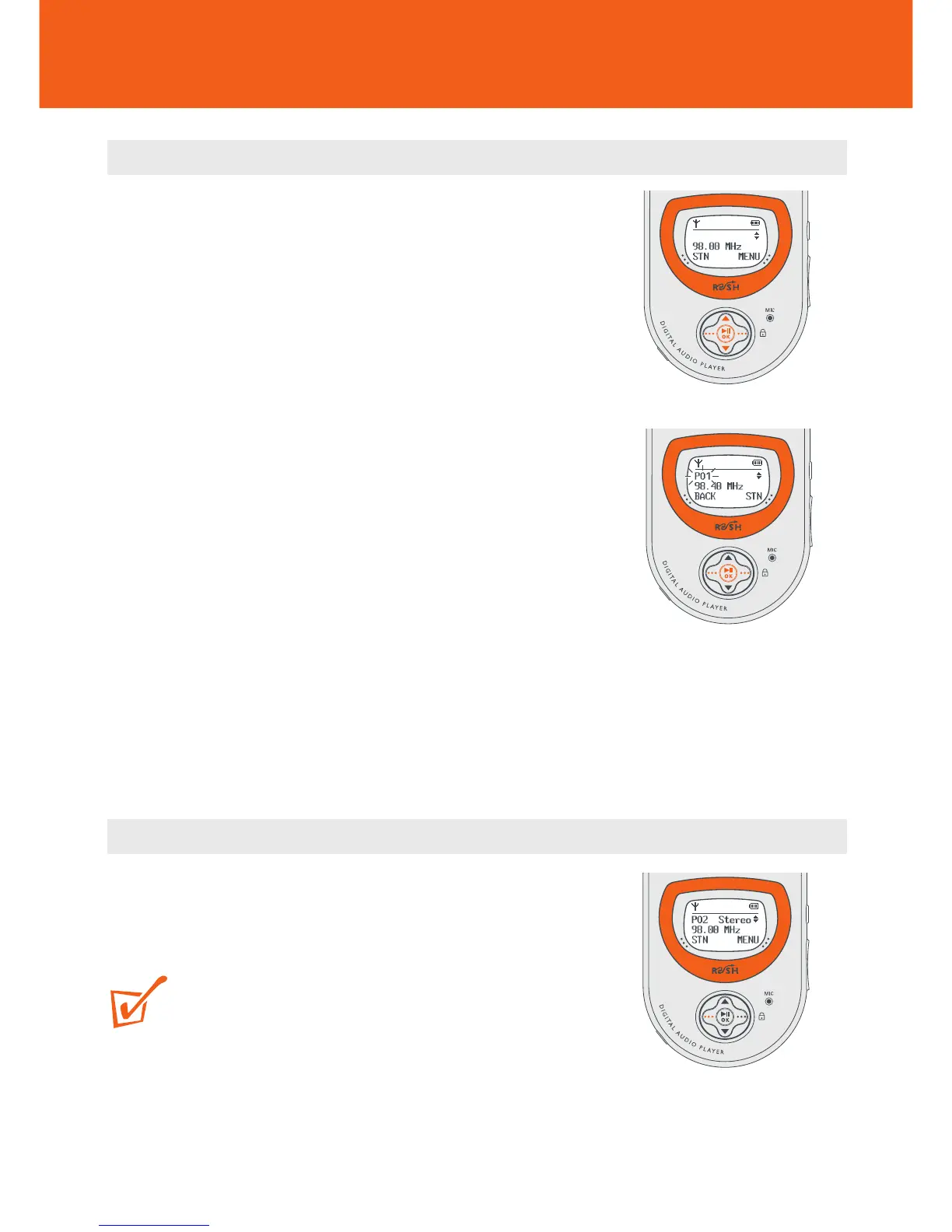
1 Press and hold 3/4 for more than 1 second to
auto search from 87.5MHz or 108MHz respectively.
y Display shows: Searching... until a station
signal is detected.
• If necessary, press 3/4 repeatedly and briefly to
fine tune to your desired station.
y If a stereo signal is detected, display shows
STEREO.
2 Use the ••• (right-hand side), 3/4 and 2; OK
controls to scroll and select SETTING y
Preset Stn.
y A preset station number, P01-10 blinks.
3 While the preset blinks, press ••• (right-hand
side, preset station STN soft key) once or more to
select a preset station location, P01-10.
4 Press 2; OK to confirm/ overwrite a current preset.
Selecting presets
• When listening to the radio, press ••• (left-hand
side STN soft key) once or more until you find your
desired preset.
TIP:
If a preset station is empty, your earphones will be
muted.
Tuner










 To Next Page