27
Equalizer
(MUSIC & VOICE only)
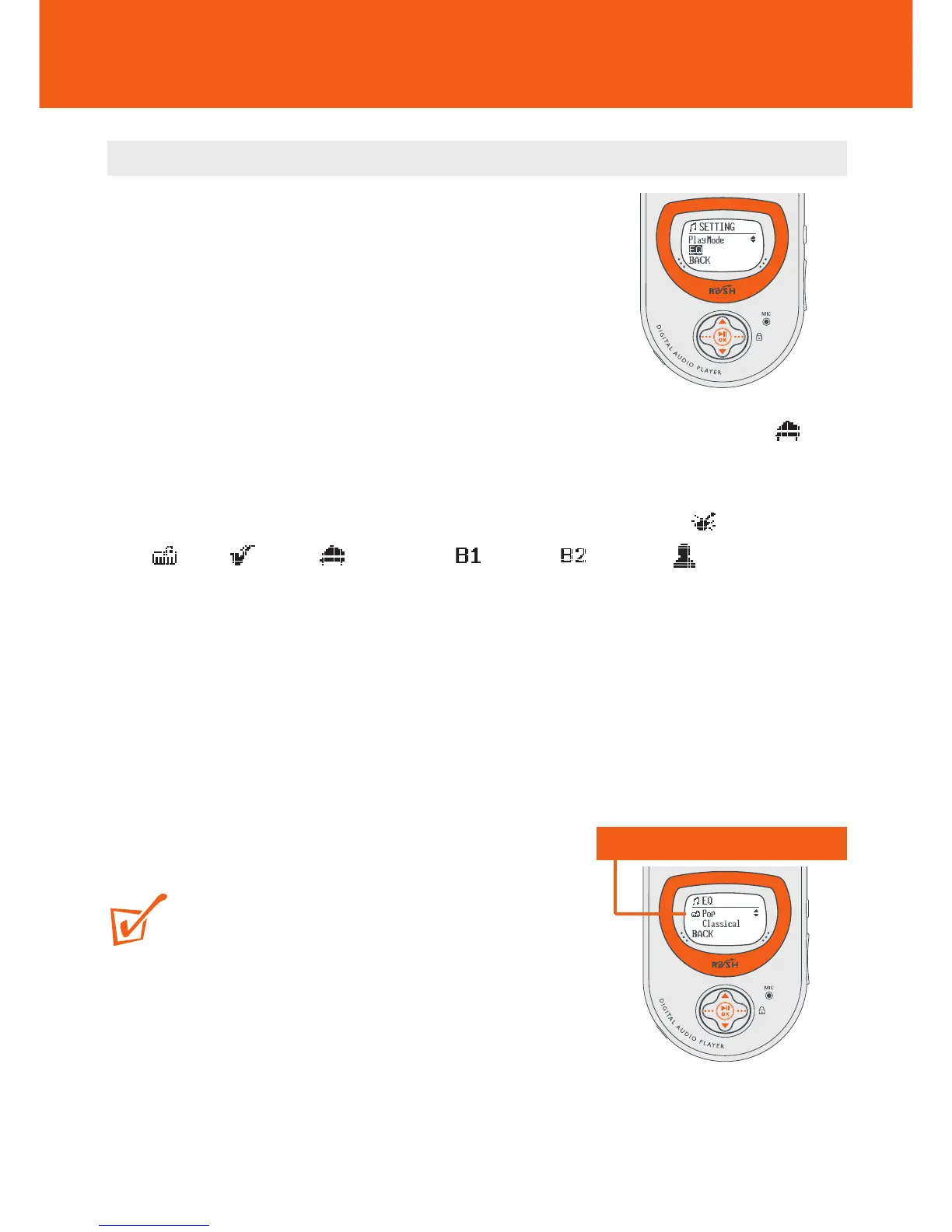
Equalizer sound options
1 During playback, press ••• (right-hand side,
MENU soft key).
y Display: shows SETTING menu and the
submenu options.
2 Press 3/4 to scroll to EQ.
3 Press 2; OK to confirm and enter the EQ menu.
y Display: shows the current sound icon and setting highlighted. E.g.
Classical
4 Use 3/4 to scroll through the 8 possible options. ◆ Normal, Rock,
Pop, Jazz, Classical, Bass1, Bass 2, Custom,
◆ Normal...
5 Press 2; OK to select the desired sound option.
6 Press ••• (left-hand side, BACK soft key) to exit the menu screen.
7 You can also create your own sound with the Custom option (see next chapter).
TIP:
– An EQ icon is only shown if you have selected the
option in the EQ menu during playback.
– No icon is shown during playback at the top of the
display if you have selected Normal.
Current/ selected setting











 To Next Page