24
Play, Pause, Search
(MUSIC & VOICE only)
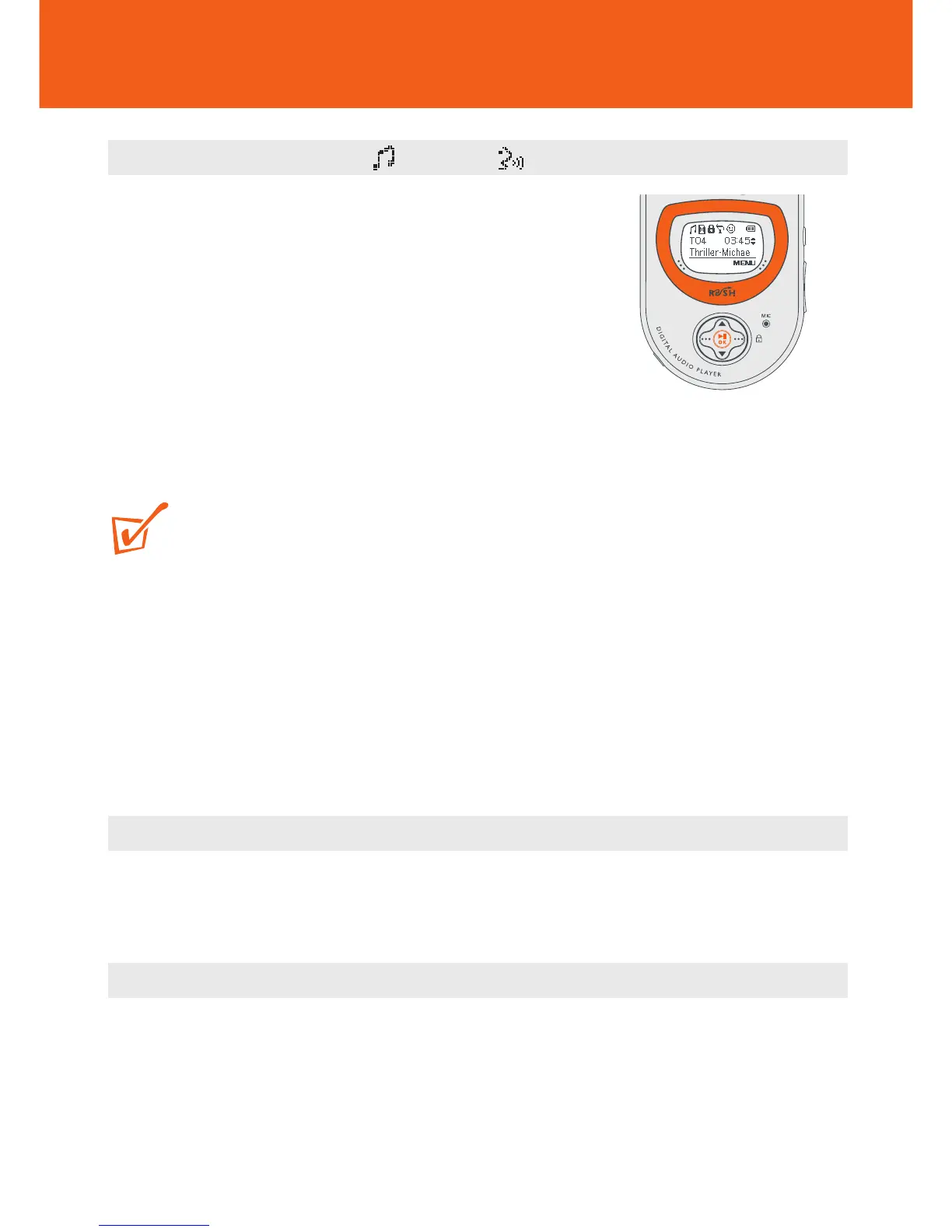
Playing and Pausing Music/ Voice Files
1 During playback, use the MODE button to select
your function.
2 Press 2; OK to pause playback.
y Display: shows the elapsed playtime flashing
and filename stops scrolling.
3 Press 2; OK again to resume playback.
TIP:
To play MP3 files, you need to download MP3 songs to the device first.
First time installation
Make sure the plug-ins are completely installed before you connect the device to your
computer.
Selecting a different track
• To select the previous/ next track: press 3/4 briefly once or more.
Fast searching within a track
• During playback, press and hold 3/4. Watch the track time to find the desired
point in the track and then release.










 To Next Page