17
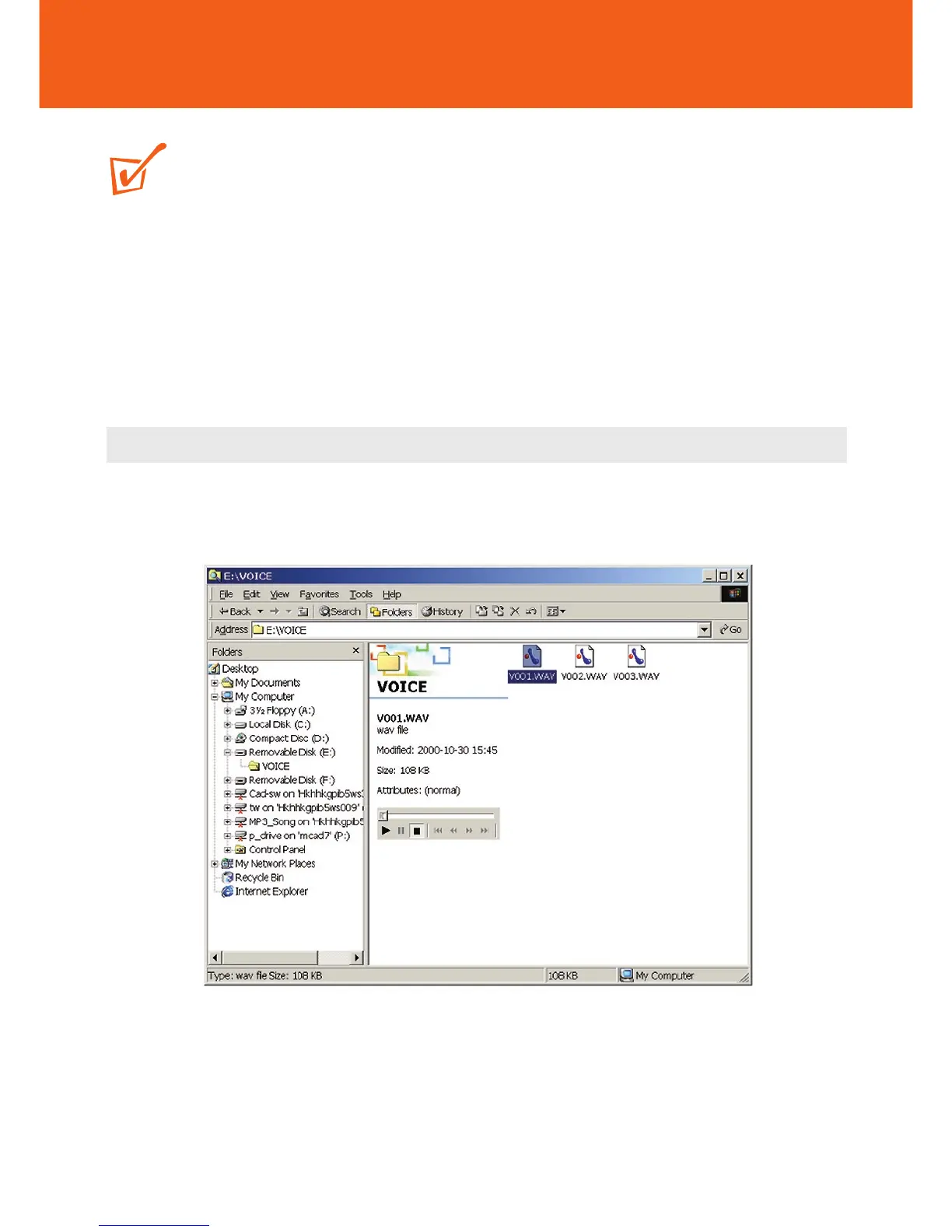
Transferring RUSH VOICE files
TIP:
– Only voice recordings created by RUSH in .WAV format will be recognized by the
device for playback.
– You should also only use Windows Explorer for uploading and downloading to
manage your VOICE files.
y To make voice recordings , please read VOICE pages 32-33.
Uploading
1 In Windows Explorer, select the files you want to transfer from your RUSH
player.










 To Next Page