32
– Useful for recording lectures and important discussions.
– Maximum Voice recording time: approximately 4 hours if using all the built-in
memory on Low sound quality recording setting.
Preparation for VOICE recording quality
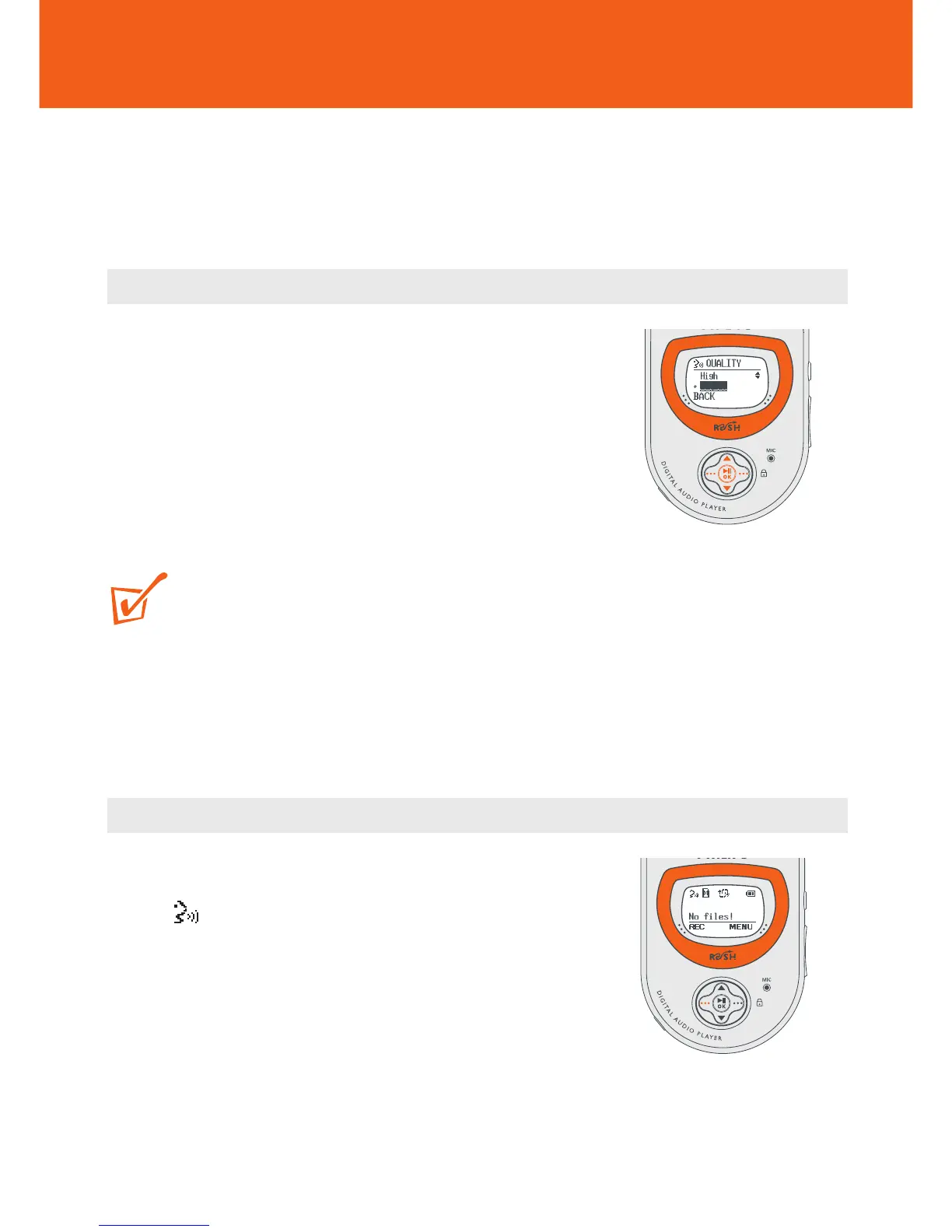
1 In the VOICE mode, use the •••/••• and 2;
OK controls to scroll and select MENU y
SETTING y QUALITY.
2 In the QUALITY menu, use the 3/4 and 2; OK
controls to scroll and select the desired quality:
High, Medium or Low (32K, 16K or 8kHz
sampling rate respectively).
TIP:
– Default setting: Low (8kHz sampling rate) allows maximum recording time.
Adjust the sound quality if you like.
– For extra recording time use a memory card combined with the RUSH built-in
memory.
Recording
Once you have set your desired recording quality, you
can enter the recording mode instantly.
1 In VOICE function, press and hold ••• (left-
hand side REC soft key) to start recording.
y Recording starts immediately and the display
shows the recording details.
VOICE Recording










 To Next Page