Switching Off
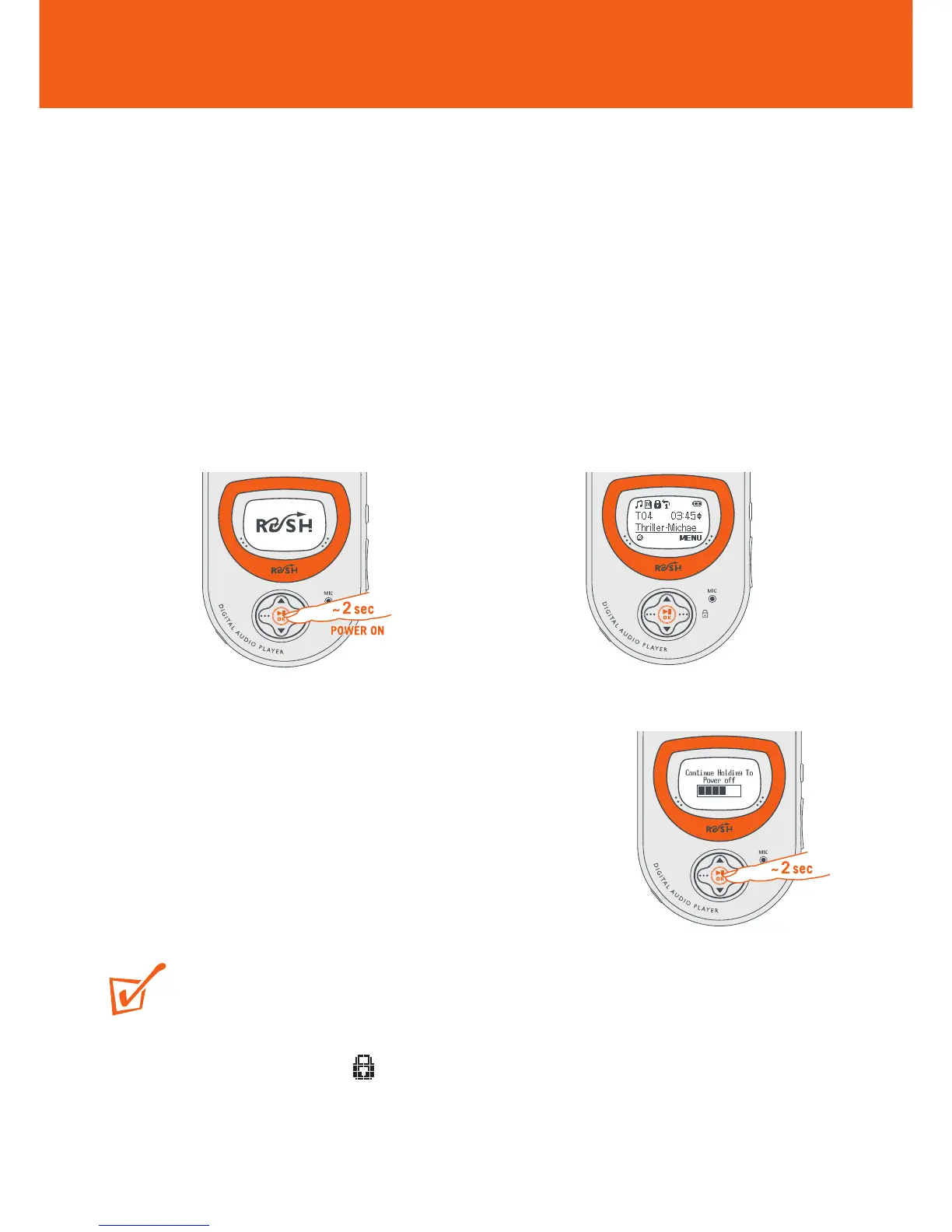
• Press and hold 2; OK until the power down
status bar is complete.
y Display: shows Continue Holding To
Power Off, and the status bar
before switching off.
TIP:
If you have trouble switching off, first make sure:
• the button lock feature is deactivated
• the device is in playback mode (and NOT in any MENU option display)
20
Switching ON / OFF
Switching On
This device plays from the last function selected before you switched off.
• Press and hold 2; OK for ~2 seconds.
y Display: RUSH splash screen.
y Plays from the last function selected before you switched the device off.
The device starts to play according to the device’s status:
y No files! is shown if no files on RUSH or in the memory card.
y If in MUSIC/ VOICE mode and files are available, playback automatically
starts from the first track/ beginning of the last track played.
y











 To Next Page