25
Delete tracks, playmode (MUSIC & VOICE only)
Delete tracks
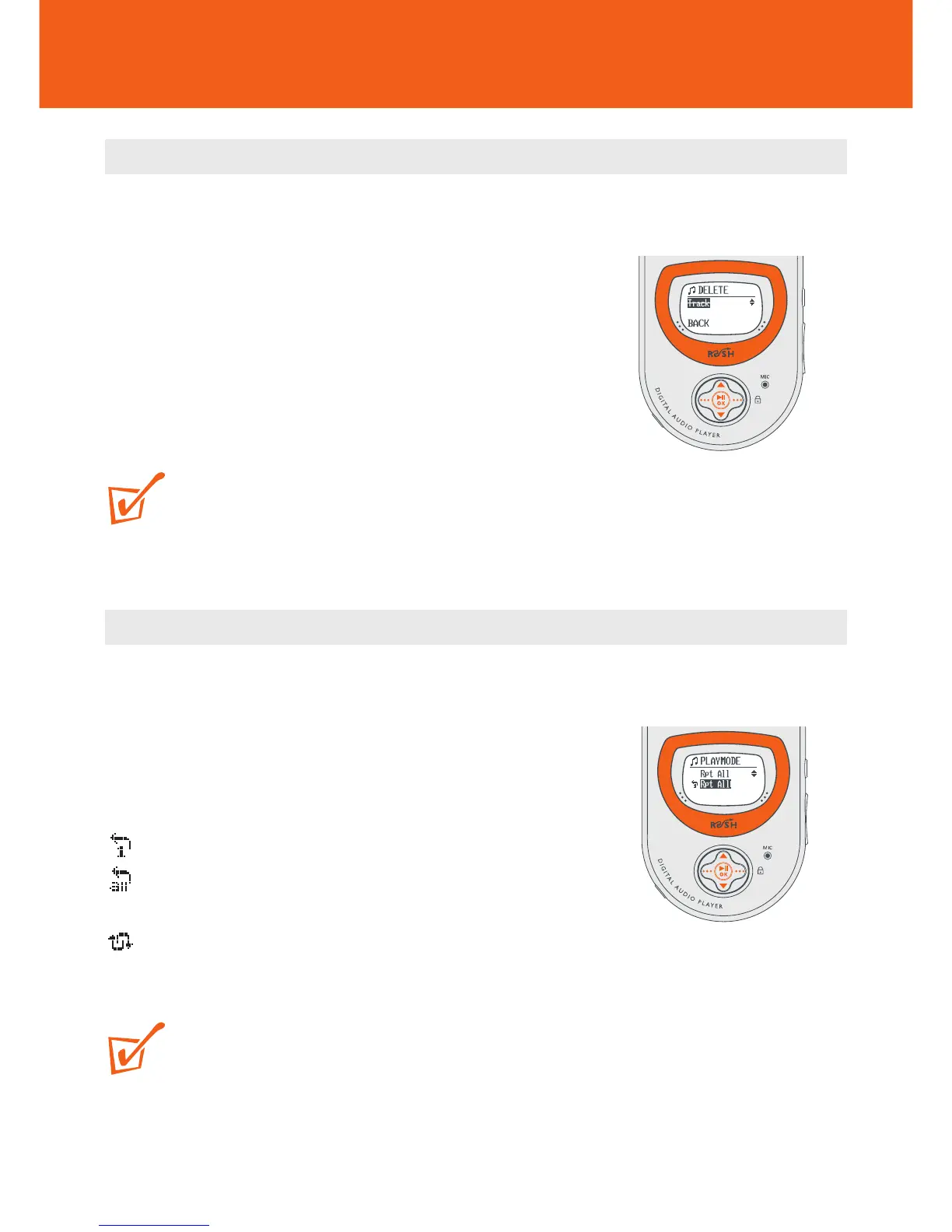
The Delete option allows you to delete tracks individually.
1 Use 3/4 to scroll through and find the track for deletion.
2 Use the ••• (right-hand side), 3/4 and 2; OK
controls to scroll and select MENU y SETTING
y Delete y Track.
3 Press 2; OK to confirm.
TIP:
If you don’t want to delete, press ••• (left-hand side) to select BACK.
Different playback modes: Playmode
Use the •••/•••, 3/4 and 2; OK controls to scroll and select MENU y
SETTING y Playmode.
y Submenu shows Rpt 1 / Rpt All / Shuffle.
The respective icon is shown when you confirm a
selection:
Rpt 1 repeats current track continuously.
Rpt All repeats all tracks stored in the selected
mode continuously.
Shuffle plays tracks in random order.
TIP:
This device is default to playback MUSIC and VOICE files in repeat all order.










 To Next Page