16
English
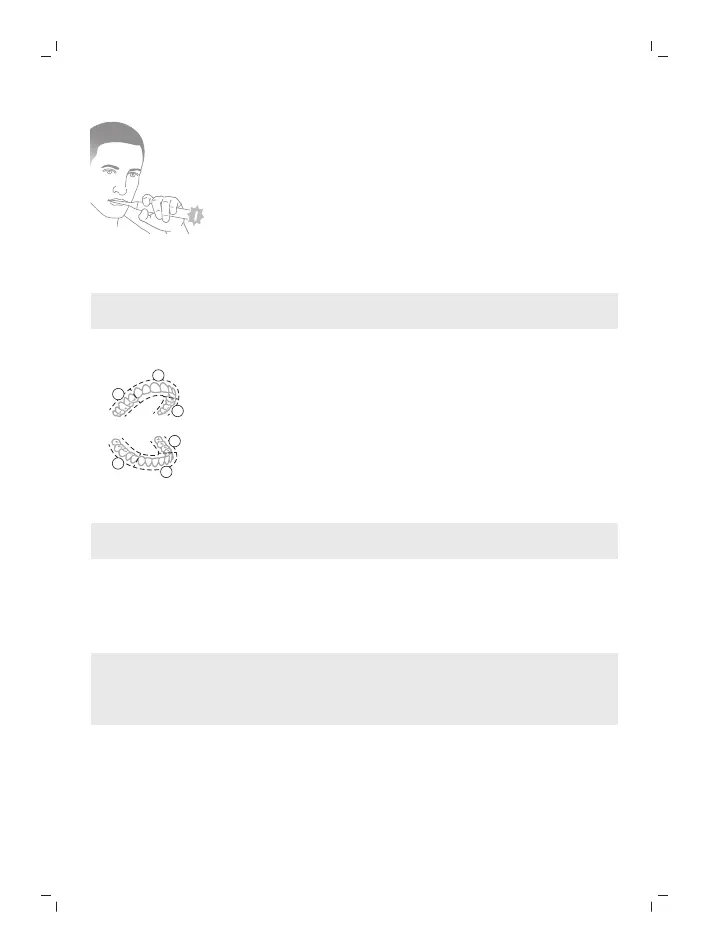
If you apply excess pressure, the handle changes its sound and vibration while
the brushing feedback light flashes purple at the bottom of the handle until
you reduce the pressure.
Note: Your product comes with the Pressure Sensor Feedback activated. To
deactivate this feature (see 'Activating or deactivating features').
BrushPacer
The BrushPacer is an interval timer that helps you to brush evenly through the
mouth by dividing your mouth into 6 sections.
Note: Additional time may be added when you use the White or Gum Health
modes.
SmarTimer
The SmarTimer indicates that your brushing cycle is complete by automatically
switching off the toothbrush at the end of the brushing cycle.
Dental professionals recommend brushing no less than 2 minutes twice a day.
Note: If you press the power on/off button after you started the brushing
cycle, the toothbrush pauses. If you press the on/off button within 30 seconds,
the timer resumes to allow you to finish your brushing cycle. After a pause of
30 seconds, the SmarTimer resets.
EasyStart
This Philips Sonicare model comes with the EasyStart feature deactivated. The
EasyStart feature gently increases the power over the first 14 brushings to help
you get used to brushing with the Philips Sonicare. The EasyStart feature works
with all modes.






 To Next Page