19
English
OR
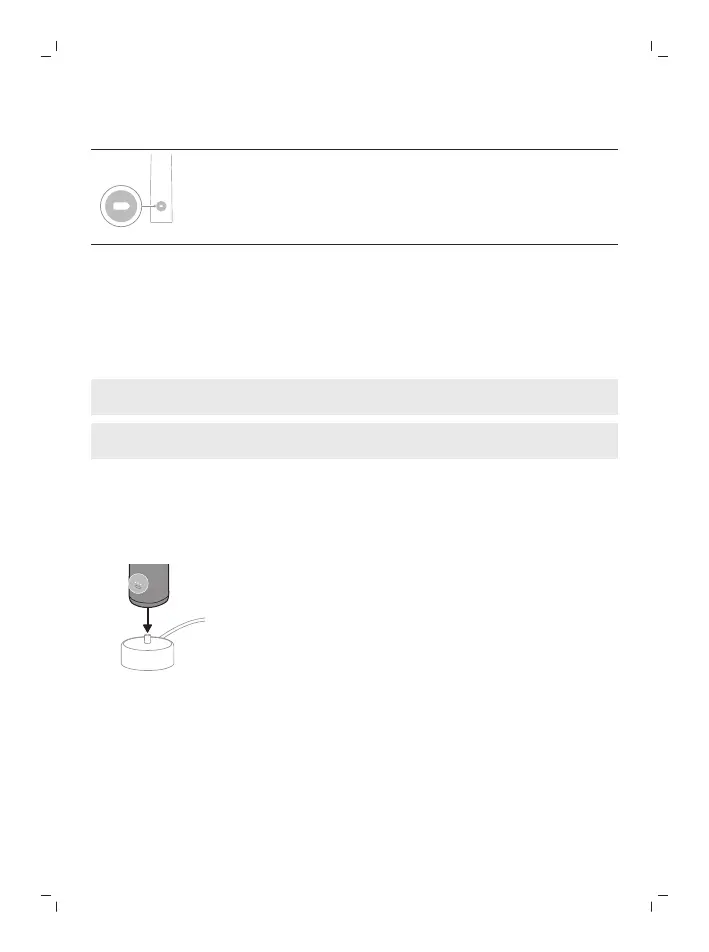
If you see the left LED for the battery indicator flash amber 1
time and hear 3 tones high to low, then the feature has been
deactivated.
Charging and battery status
This Philips Sonicare toothbrush is designed to provide on average 42 brushing
sessions, each session lasting 2 minutes (21 days if used twice per day) on a
fully charged battery. The battery indicator shows the battery status when you
complete the 2-minute brushing session, when you pause the toothbrush, or
while it is charging.
Note: It can take up to 24 hours to fully charge the battery before first use, but
you can use the Philips Sonicare toothbrush before it is fully charged.
Note: Charging your Philips Sonicare toothbrush in the travel case can take up
to 48 hours.
Charging
Charging on charger
1
Attach the USB charging cord to a wall adapter, plug the wall adapter into
an electrical wall outlet.
2
Place the handle on the charger.
3
Connect the attached USB cable to the 5V DC input power supply unit.
- Charge only with Philips compatible chargers or safety approved
adapters with input ratings: 100 - 240V~; 50/60Hz; 3.5W and output
ratings 5VDC; 2.5W.
- A UL-listed or certified 1310 Class 2 power supply (NAM only)
4
The battery indicator and light ring illuminate, the handle beeps twice, and
all lights on the handle illuminate upward from the bottom of the handle.
5
The flashing light of the battery indicator shows that the toothbrush is
charging.






 To Next Page