EN 41
English
4 Start to Use
4.1 Power On/Off
Slide down and hold POWER button for 2 seconds, the
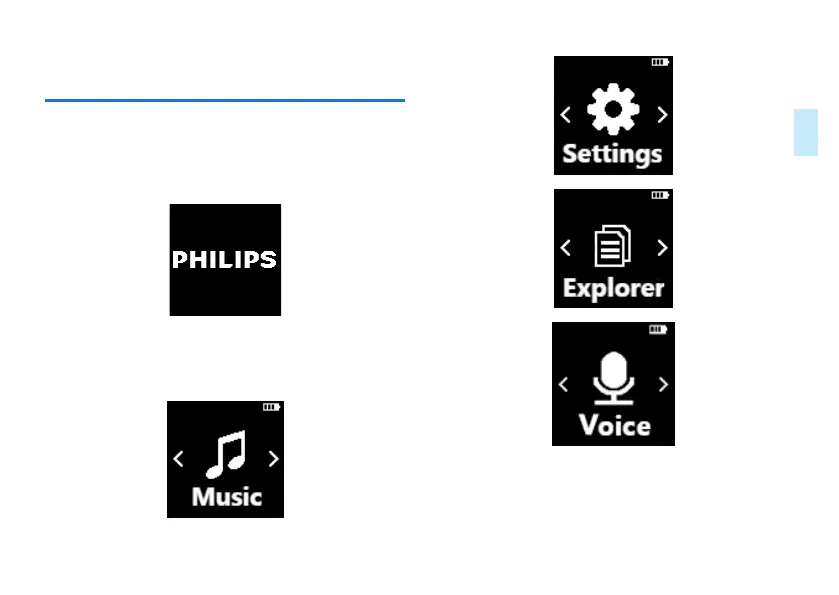
device will start or shutdown and then displays “PHILIPS”, as
shown below.
Then, enter the main interface which contains four modules
as shown below, which represent respectively: play music,
system settings, file explorer, and playback.














 To Next Page