EN 45
English
6 Smart Control by Mobile Phone APP
6.1 Software download
(1) Download in China
For Android:
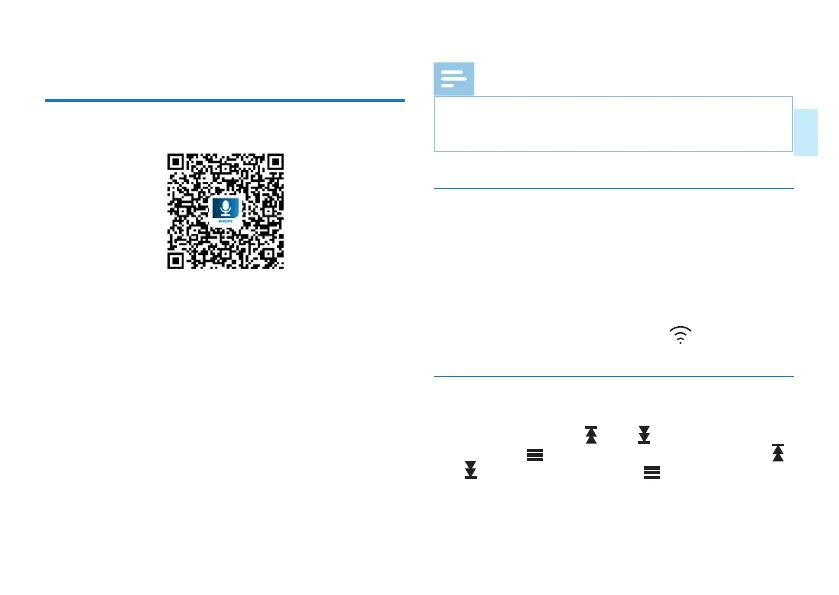
• Download by scanning QR code
For IOS:
• Download by scanning QR code
• Search for “Philips VTR8060” in App Store and download
(2) Download in Foreign Country
For Android:
• Download by scanning QR code
For IOS:
• Download by scanning QR code
• Search for “Philips VTR8060” in App Store and download
Reminders
• Choose “always allow” if there is a prompt that the
application requires the permission of the mobile phone
during installation.
6.2 Network settings
(1)When connecting the device with the hotspot of a mobile
phone for the first time, the user needs to configure the
device. In case of using a different phone for networking,
the user needs to reconfigure the device.
(2)If the device has been previously connected to the phone,
when powered on again, long press “ ”for 2 second for
direct connection.
Conguration method
In the main “menu,press “ ” and “ ” to select config-
ure,then press “ ” to enter system settings.Then press “ ”
and “ ” to select “WLAN” ,press “ ” to enter. The WLAN
interface is shown below.














 To Next Page