56 EN EN 57
8.1 Music play
(1)While in play,short press “ ” to pause,press “ ” again to
resume playing.
(2)Short press “ ” or “ ” to select previous track or next
track.
(3)Short press“ ”to display volume icone,then press “ ”
and “ ” to adust vollume,press “ ” again to exit.
(4)While in play, long press “ ” or “ ” to fastrewind or
fastforward the current audio file.
(5)Short press “ ” to stop and return to the main menu.
8.2 Playback mode
The device supports loop playback mode.In the main menu,
press “ ” or “ ” to select“settings”,press “ ” to enter
settings,then press“ ” or “ ” to select “voice settings”,press
“ ” to enter,then press“ ” or “ ” to select“loop mode”,-
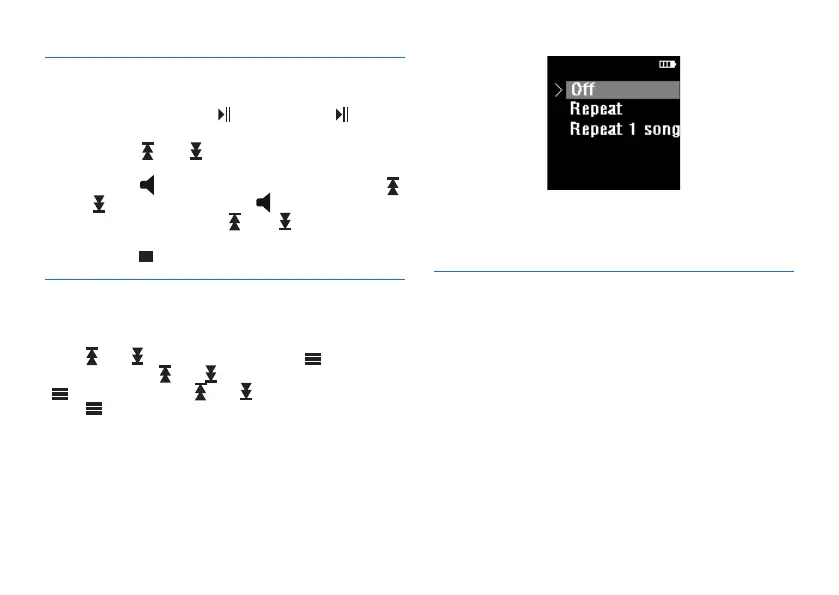
press “ ” to enter loop mode as shown below:
(1)Directory loop: Loop play the selected files in the
directory.
(2)Single loop: Loop play the current file.
8.3 Sound effect mode
Choose in the order of: system settings -
》
playback set-
tings -
》
EQ selection, to enter the selection menu of sound
eect mode, the sound eect mode includes the following
eects: “normal, heavy metal, heavy bass, pop, jazz”, the
reference interface is as shown below:














 To Next Page