EN 57
English
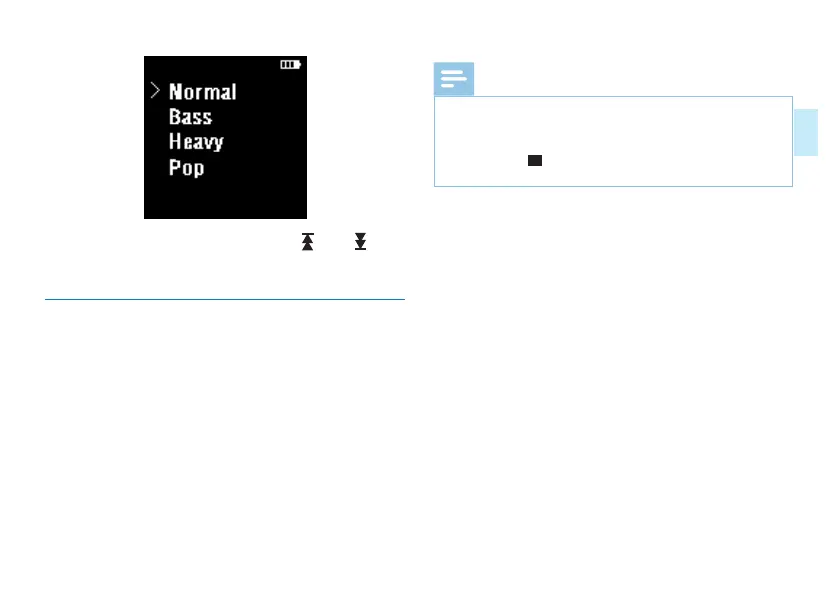
In the sound eect mode, you can use the “ ” and “ ” keys
to select the corresponding mode, and then press the “Menu”
key to confirm.
8.4 Delete Files
Select the music to delete in the playlistl,ong press the “menu”
key to pop up the “delete”,choose the “OK” to complete
the deletion of the selected music. Or choose in order of:
Resource Manager-
》
VTR8060
(
C
:)
-
》
MUSIC,press the
“menu” key to enter the playlist,long press the “menu” key
to pop up the “delete”,choose the “OK” to complete the
deletion of the selected music.
Reminder
• The loop playback mode and sound effect mode can only
be set in the system settings and cannot be set in the
music player interface.
• Touch the “ ” key under any other interface to return
to the main interface except in the process of recording.














 To Next Page