58 EN EN 59
9 System Settings
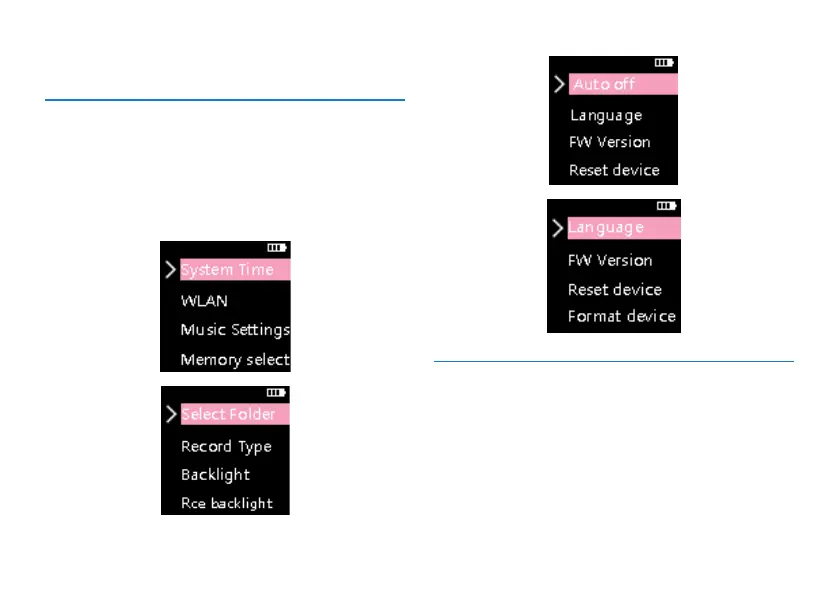
Under the main menu, select the system setting mode,
and then press the menu key to enter the system settings
interface. The pictures of system settings interface are shown
below, including: system time, WLAN, playback settings,
folder selection, recording type, backlight time,Back Light
Recording, timed shutdown, language selection, initialization,
factory reset, and format memory.
9.1 System time
The system time setting reference interface is as follows:














 To Next Page