42 EN EN 43
Reminder
• Short press the “ ” key under any other interface to
return to the main interface except in the process of
recording.
4.2 Keypad Lock (HOLD Function)
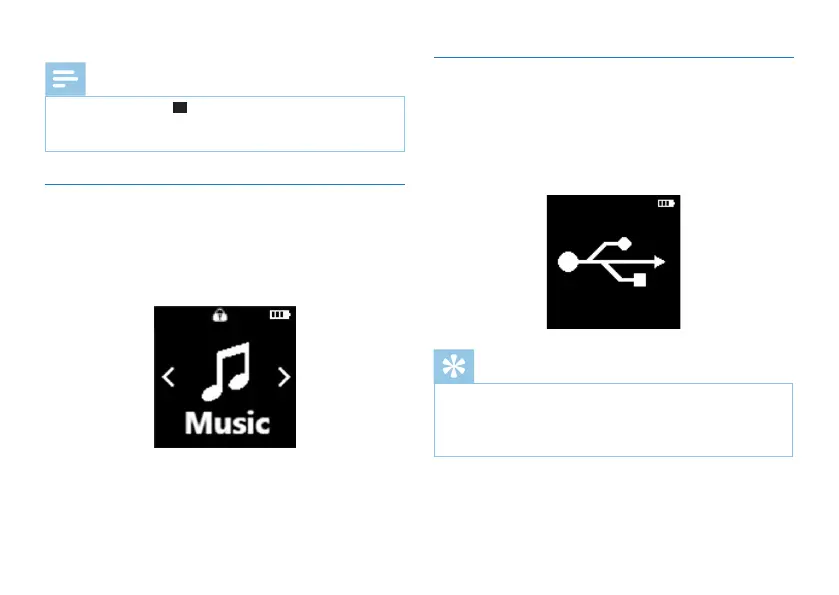
(1)Slide up the POWER button to the lock position to lock
all the buttons except the “Record” key. Then the “Lock
Icon” will be displayed on the screen for a second and
disappears.
(2)Slide the POWER button down to the middle position for
cancelling locking.
4.3 Connection to Computer
When TF card is inserted or without TF card, the device can
be used as a USB mass storage device to conveniently store,
back up and move files. The “Connect to Computer” icon is
as shown below.
Reminder
• While moving files into or out of the device, please do
not disconnect the device from the computer.
• While the device is connecting to a computer, it cannot
be operated manually.














 To Next Page