EN 47
English
Reminders
• If the WIFI icon keeps flashing for one minute and the
device is still not connected, please close WIFI and try
again.
• WIFI hotspot name does not exceed 16 digits.
Disconnecting WIFI
When WIFI is on, long press “ ”to disconnect WIFI.
6.3 Run the APP
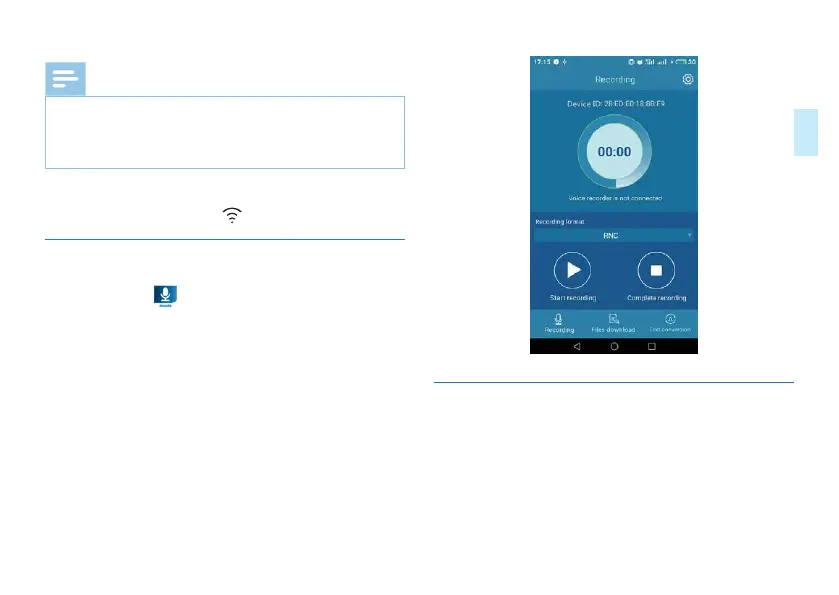
Click the icon of “ ” to run the APP of VTR8060, the
interface is shown below:
6.4 Introduction to the APP functions
Controling recording with the device
When the device is connected to the phone, it may be re-
motely controlled by clicking “Record” in the App interface.
The APP may be used to record and save.
(1)Recording quality may be configured as follows: 8Khz/16bit
/
96Khz/16bit
/
96Khz/24bit
/
192Khz/16bit
/
RNC.














 To Next Page