48 EN EN 49
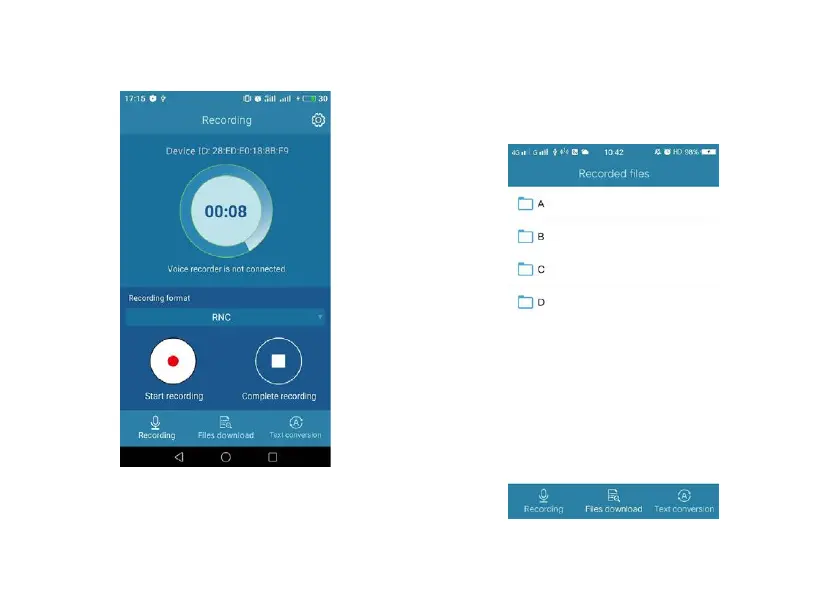
(2)Click“Start recording”and the device will start recording.
The recording interface on the phone is shown below:
(3)
While in recording, click “Finish recording” and the device
will save the current recorded file and return to the
previous menu.
Downloading recorded files
The phone APP may be used to upload the audio files on the
device to the phone memory. When the device is connected
to the phone, click “files download”. The interface is shown
below:














 To Next Page