62 EN EN 63
10 File Explorer
In this mode, you can check and manage all the music and
recordings in the system. Choose in the order of: the File
Explorer Mode -
》
VTR8060 (C:), touch the “menu” key, you
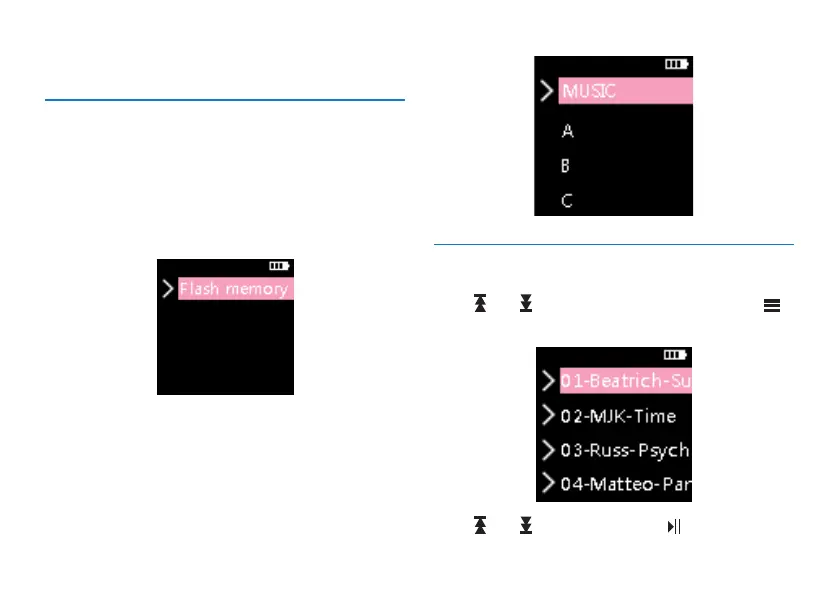
can see two folders of “MUSIC” and “Flash Memory”, where
“MUSIC” folder holds all the music files in the system, and
the “Flash Memory” folder holds all the recording files in the
system. The interface is as shown below:
Short pressto see the folders of “A”
、
“B”
、
“C”
、
“D”
and
“MUSIC”. All the music files will be saved under the
MUSIC folder. All the recorded files will be saved under the
folders of A,B,C and D.The interface is shown below:
10.1 File play
Press “ ” or “ ” to select a pecific folder, short press “ ”
to enter. The interface is shown below:
Press “ ” or “ ” to select a file,press “ ” to play.














 To Next Page