EN 59
English
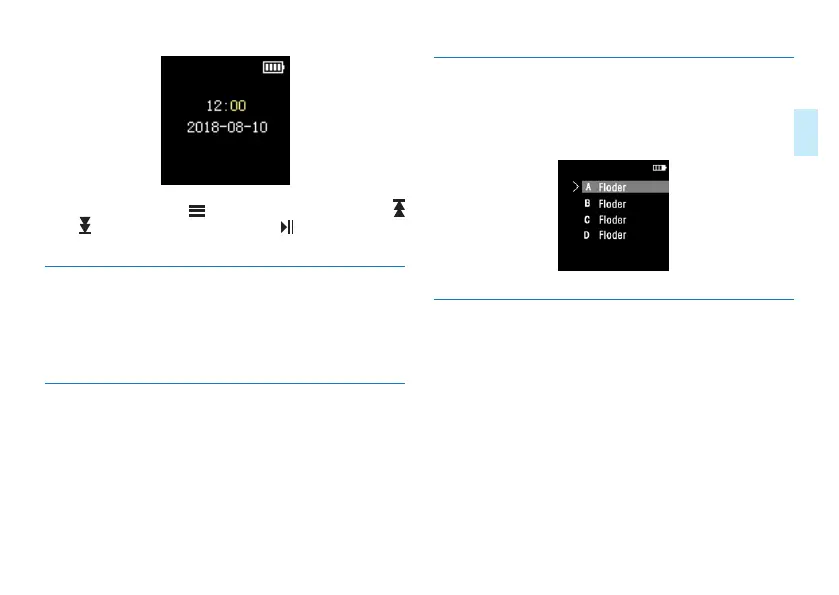
Under this menu, press “ ” to select time and date, press “
” or “ ” to select specific values,press “ ” to confirm and
return to the previous menu.
9.2 WLAN
Under the WLAN menu, the user may configure the WIFI
connection of the device to the phone (see section 6.2 for
reference).
9.3 Playback settings
You can choose “Loop mode” or “Sound mode” in Playback
settings, the Loop mode includes: “Repeat folder
/
Single
cycle”, and the Sound mode includes the following sound
eects: “natural, heavy metal, heavy bass, pop, jazz”.
9.4 Folder Selection
In the menu of folder selection, you can select the storage
path to save the recording file. The reference path of the
folder selection is as follow
9.5 Recording type
In the selection menu of recording type, you can choose
dierent recordings types as followings: WAV96Khz/24,
WAV96Khz/16, WAV192, WAV48, WAV8, and NOISE_CUT.
The reference interface is as follows:














 To Next Page