46 EN EN 47
Android phone
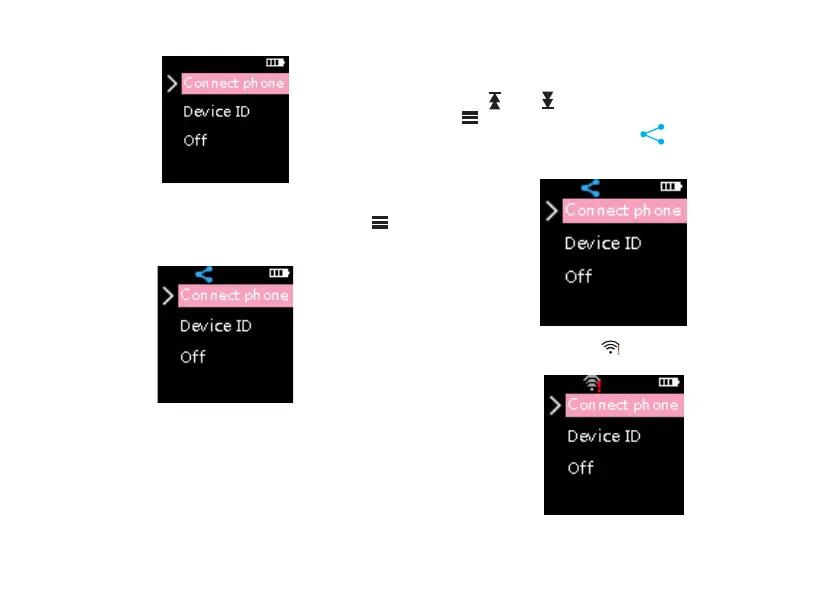
If connecting the device to an android phone,just press“
”,then the WIFI icon will flash on the device. When the flash
stops, the device is connected to the phone as shown below.
Iphone
1. iPhone: As our app is not authorized to revise hotspots
and passwords on the IOS phones, the user needs to
set them manually. To revise hotspots, go to General on
the setup menu and change the name of the device to
VTR8060. To revise a hotspot password, open “Hotspot”
on the setup menu and change the wifi password to
12345678.
2. Open the app.
3. Press “ ” and “ ” select to connect the phone. Press
“ ” to confirm. Then the wifi icon will blink. After it
stops blinking and changes into “ ” , it means the device
is connected to the phone. The interface is shown below.
If the WIFI icon changes to “ ”, the device is not connected
to the Iphone. The reference interface is shown below:














 To Next Page