44 EN EN 45
Reminder
• Before recording, enter the system settings module to set
the required recording type and storage path. Reminder:
In the folder selection menu of the system settings mod-
ule, touch the “ ” and “ ” keys to switch between the
four folders of A, B, C, and D, which are used to store
the recording files. If all the four folders are full, please
delete some unnecessary files for new recording.
• Test the recording first to ensure that the recorder is set
up correctly.
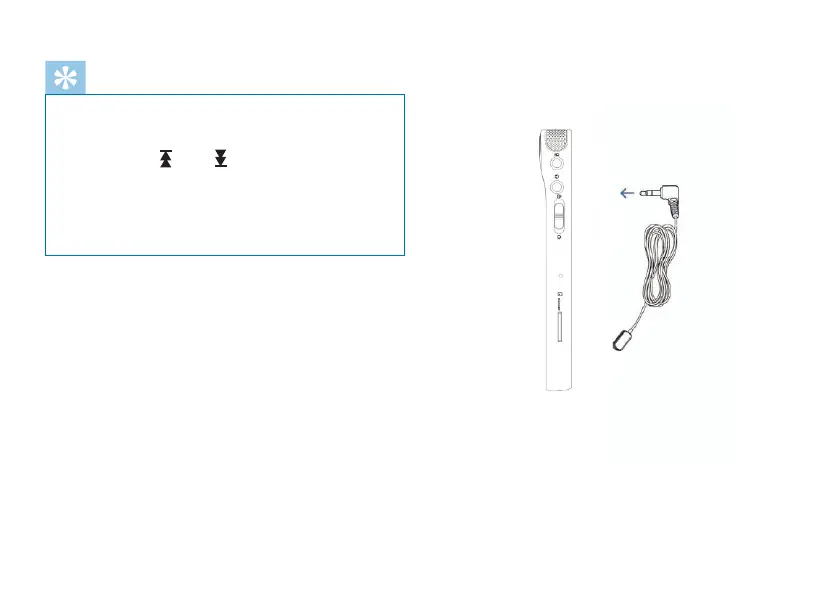
If you want to record with an external microphone, please
plug the microphone into the “Line in” jack and record
according to the recording program of built-in microphone.
The built-in microphone will turn o when you connect to an
external microphone. Reminder that the soundtrack of the
external microphone must be dual track, as shown below:














 To Next Page