50 EN EN 51
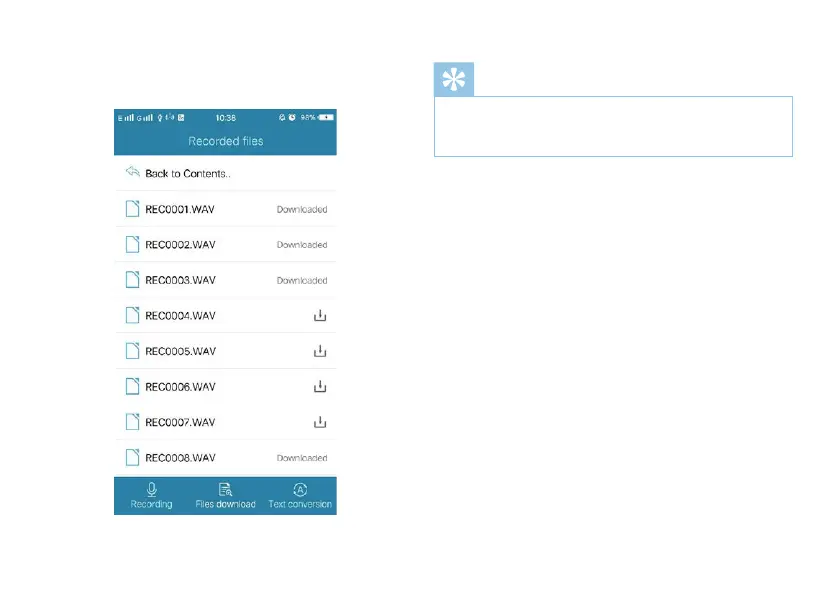
(3)After downloading, the interface on the phone will be
shown below:
Reminder
• The uploading folder can hold a maximum of 99 files. In
case the folder reaches maximum, some unnecessary files
should be deleted before uploading.
Voice to text
The APP on the phone may be used to convert voice files
into text. When the device is connected to the phone, click
“Convert text” in the APP interface, as shown below:














 To Next Page