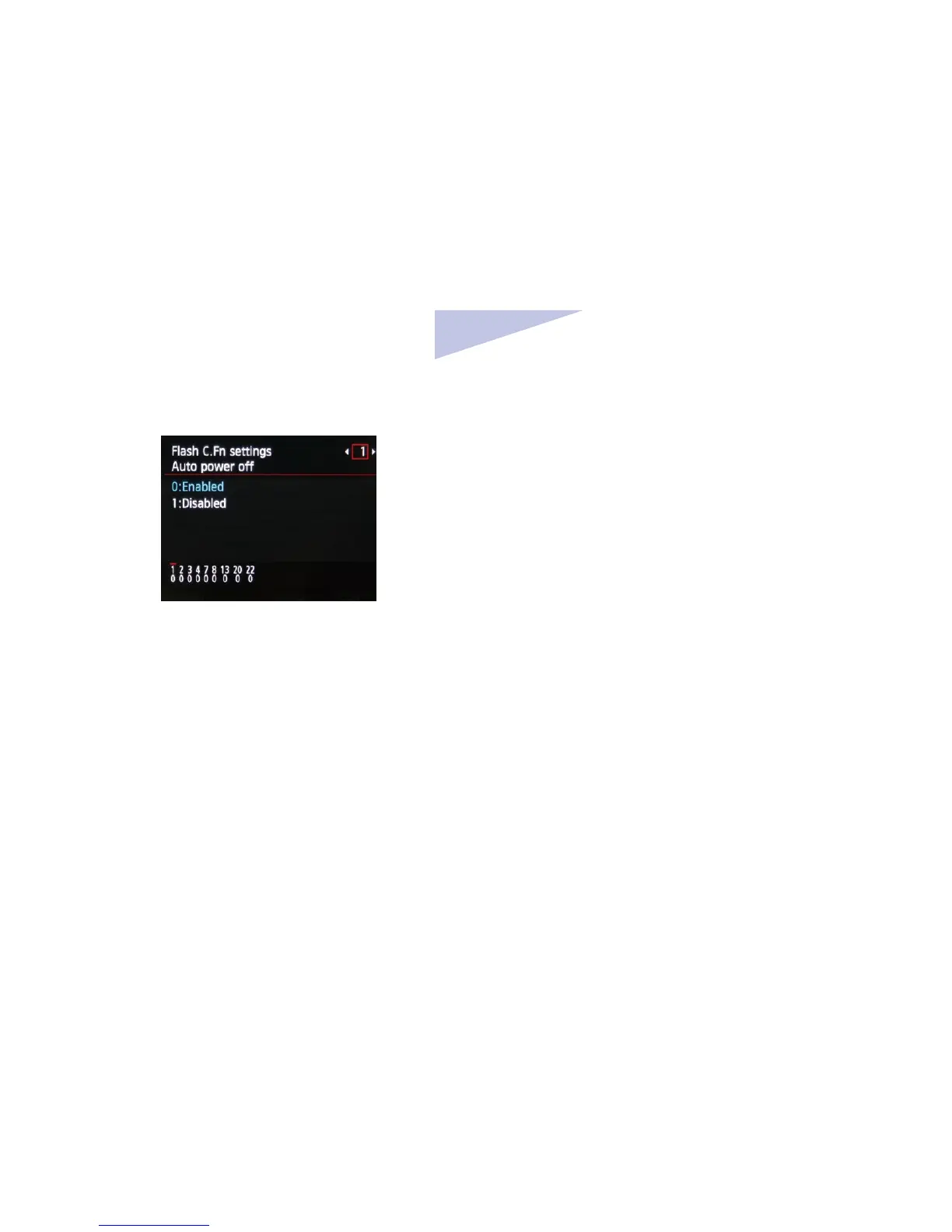
3.1 Select[Flash C.Fn settings]or[External
ash C.Fn setting]
3.2 Select the Custom Function number
and set function
3.3 To clear all the Custom Function
settings, select [Clear all Speedlite C.Fn’s] or
[Clear ext. ash C.Fn set] in step 1.
Note: [Auto power o] under [Flash C.Fn
settings] is corresponding to Phottix Laso
Transmitter’s C.Fn 01: Auto IDLE. You can
enable or disable Auto IDLE for Phottix
Laso
Transmitter by operating the Camera
menu option.
VI. Customizing the
Transmitter
Phottix Laso Transmitter supports Custom
function (C.Fn) and Personal Function ( P.Fn)
setting. You can customize the Transmitter
features to suit your shooting preferences with
custom functions and personal functions. Note
that the personal functions are customizable
functions unique to the Phottix Laso
Transmitter.



 To Next Page