42
REVERSE TRIGGER MAPPING
Here you can set which trigger lever is used to switch in which
direction.
IMPORTANT
Bluetooth activation is not changed.
CALIBRATION
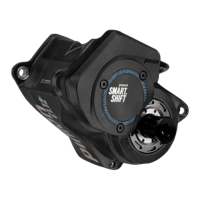
The Smart.Shift system takes care of adjusting the gears itself.
Fine adjustment of the shift system is not necessary. The
calibration of the Smart.Shift system can be started manually
in the Pinion app or on the display of the e-bike for service
purposes, if required (e.g. after changing the oil on the Pinion
gearbox).
IMPORTANT
If the gearbox clicks, gears skip or the crank slips, you
should first perform a recalibration!
IMPORTANT
Either both cranks may be fitted or no crank fitted at all
during calibration. Having a single crank installed will lead
to movement during calibration, which influences the
calibration result.
IMPORTANT
It is not possible to change the Smart.Shift box to a gearbox
with a different article number. You must seek a specialist
dealer to do so.


 To Next Page