41
SETTING THE SMART.SHIFT FUNCTIONS
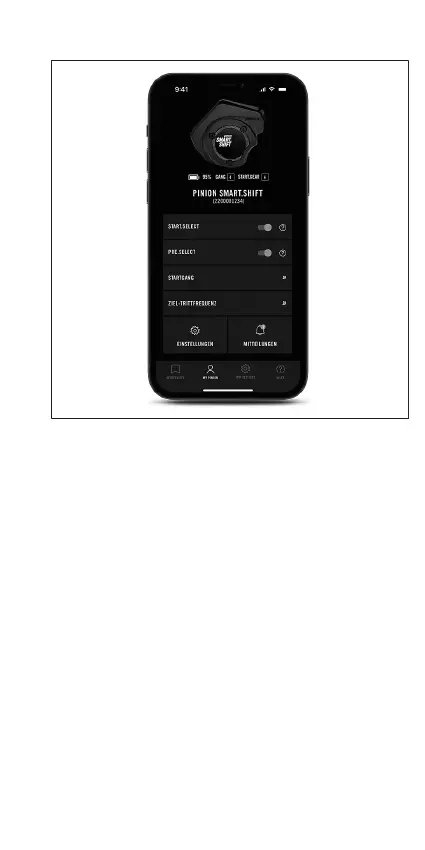
Fig.9
The Smart.Shift functions can only be activated in the Pinion
Smart.Shift app or in the menu of the e-bike. Add the
Smart.Shift box or select it from the device list and connect it
via Bluetooth. After connecting, there is one slider each for
activating START.SELECT and PRE.SELECT.
If START.SELECT is active, you can freely select the start gear.
If PRE.SELECT is activated, you can also set your preferred
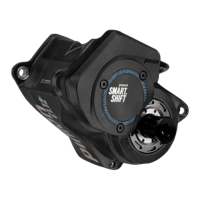
pedalling frequency. You can also recognise whether
PRE.SELECT has been activated by a light-blue LED on the
Smart.Shift box during gear shifts. If this is not activated, it
lights up white.
SETTINGS
On e-bikes, the Pinion Smart.Shift system is adjusted via the
settings on the e-bike display. For further information, see the
instructions of the e-bike manufacturer.


 To Next Page