43
LED DISPLAY
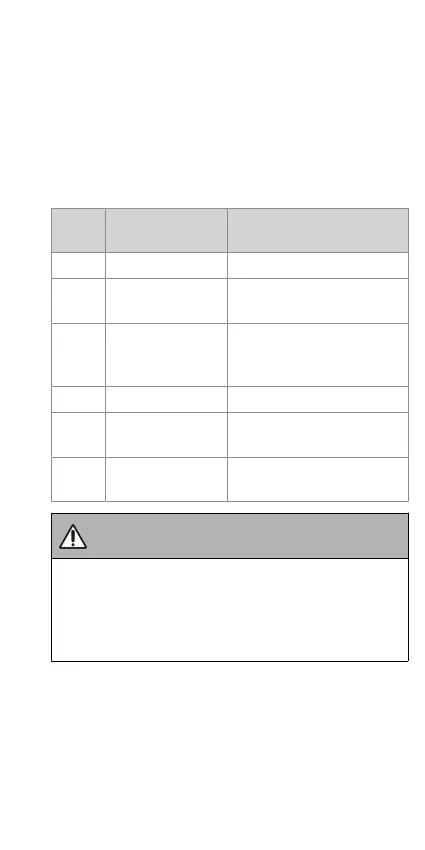
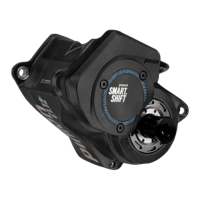
The LED indicates the status of your Smart.Shift system. The
LED can become yellow, green, red, light blue, dark blue and
white, and it can output different flashing codes. The meanings
of the colours and flashing codes are described below.
If Smart.Shift is started/woken up, it displays the health status
of the Smart.Shift system for 3 seconds.
LED
colour
Meaning Recommended action /
description
green Everything is OK
yellow Non-critical error
See error description in the
app
red Critical error
Open the error message in the
app immediately; you may
need to contact a dealer
white Manual shift mode Only lights up during shifting
light
blue
PRE.SELECT active Only lights up during shifting
dark
blue
Bluetooth pairing
active
Now you can connect your
Smart.Shift with the app
WARNING
Risk of accident due to serious fault in the Smart.Shift
system.
→ Before further use, consult your dealer to eliminate the
fault.


 To Next Page