14
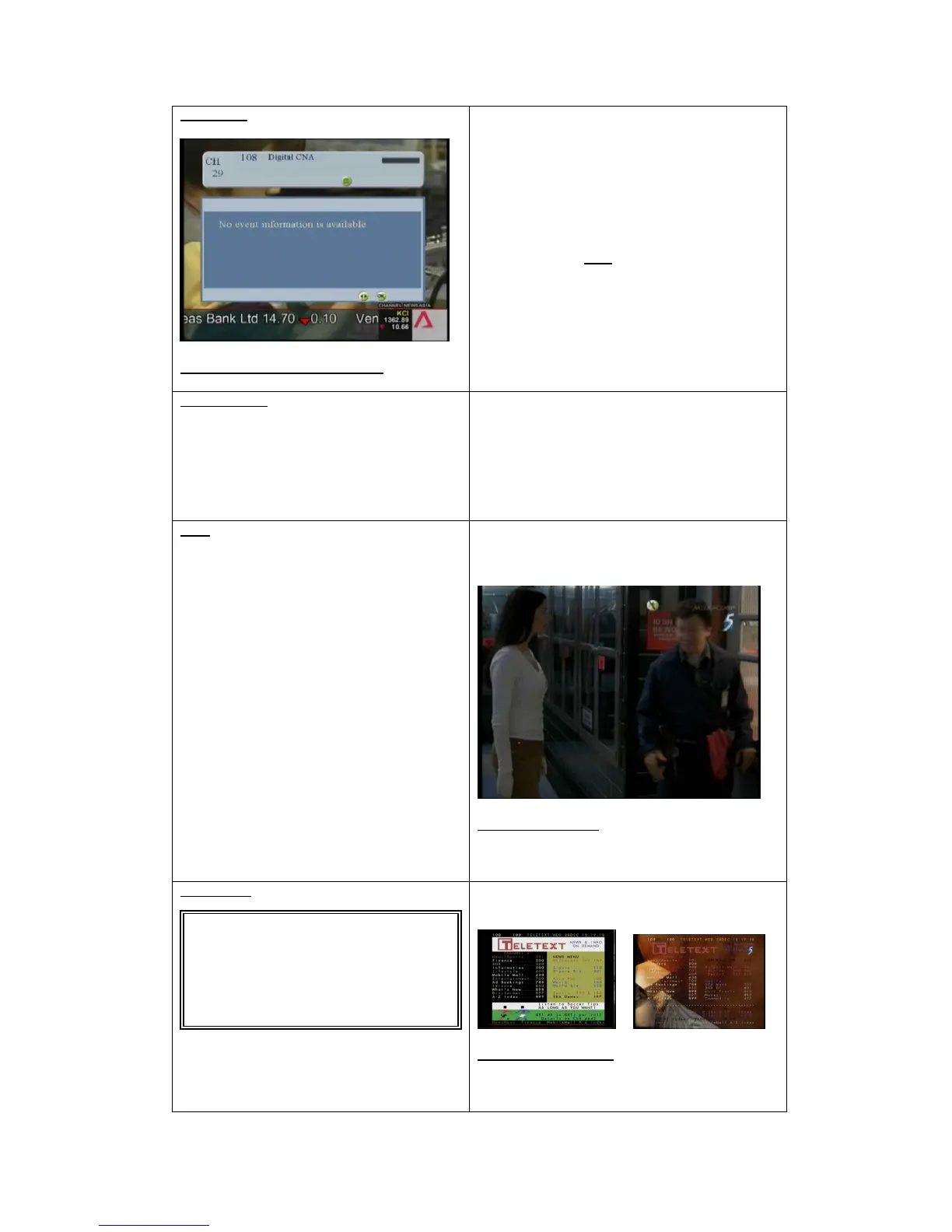
Info display
Figure 3:Information display screen
Each time a new channel is selected a window with
information channel number; name and program name is
displayed for a few second.
The time that the information window can be set
between 3 to 10 second in the system setting menu.
-Channel number and Channel name
-A bar indicator (BAR) which shows hw long the
program has been shown
-Symbols for encryptions and the availability of sub-
titles, dual sound and teletext (can be displayed or
hidden by using the info button)
Volume control
Use the VOL+/VOL- button to increase or decrease the
volume.
The previous volume setting is readopted when the tuner
is switch out of the stand-by mode
Mute
Turn off the sound by pressing the mute button
To on the sound back just press the mute button again
Figure 4:Mute screen
TELETEXT
The TELETEXT key the OSD Teletext allows the user
to show or hid
Figure 5:Teletext screen



 To Next Page