28
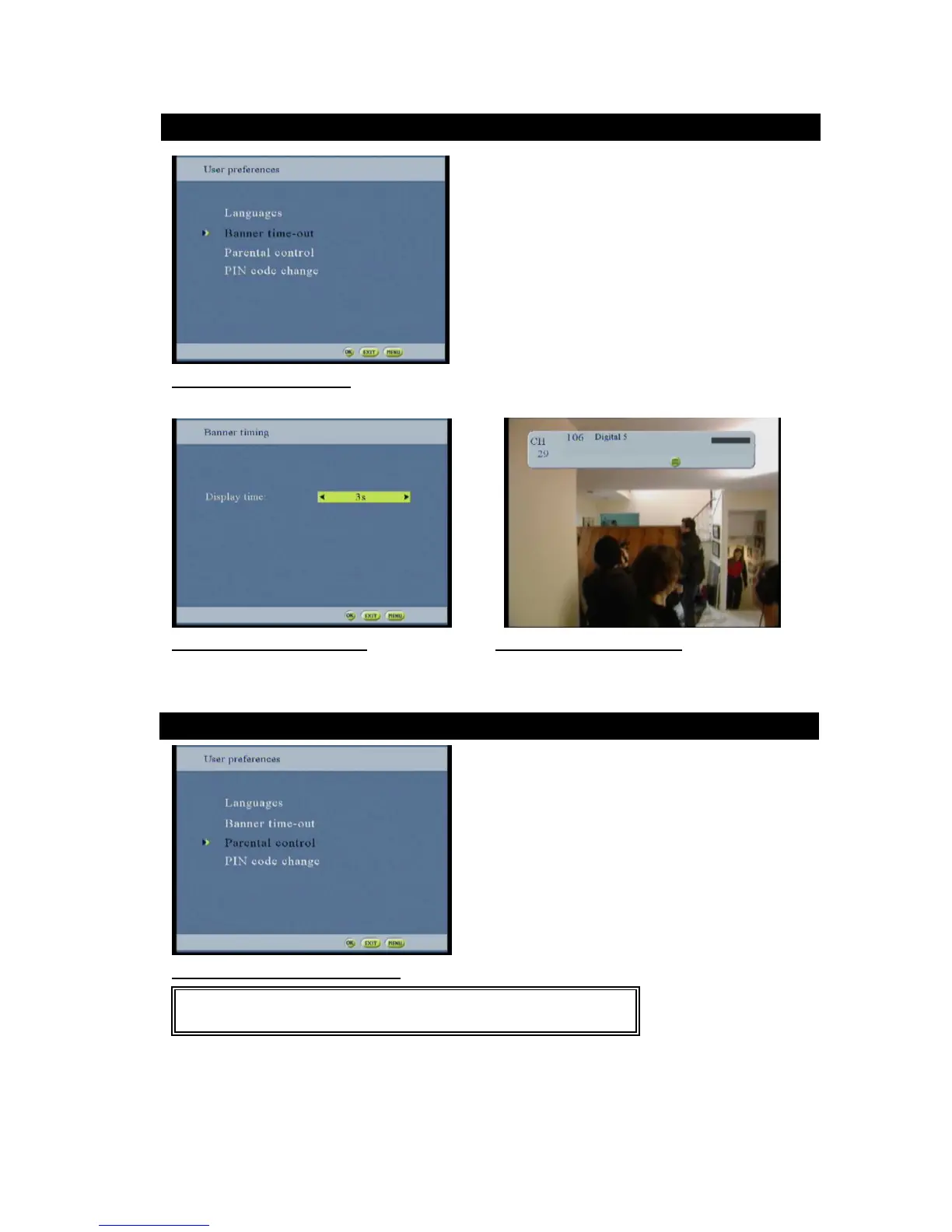
Figure35 :Banner option screen
This screen allows setting the display time of the banner.
Figure 36: Banner timing screen Figure 37:Banner display screen
Use the keys to select the time between 3 to 10 seconds
Press Ok to save and confirm the setting
Figure38: Parental control option screen
Requesting PIN code access protects this menu. The default receiver PIN code (after the first time installation 2.1.1
- or reinstallation 5.5 -) is “0000”.
The user can lock the STB usage. Each time the STB turns to running mode, the PIN code has to be input.
The user can protect the menu screens access and all its sub-screens.



 To Next Page