40
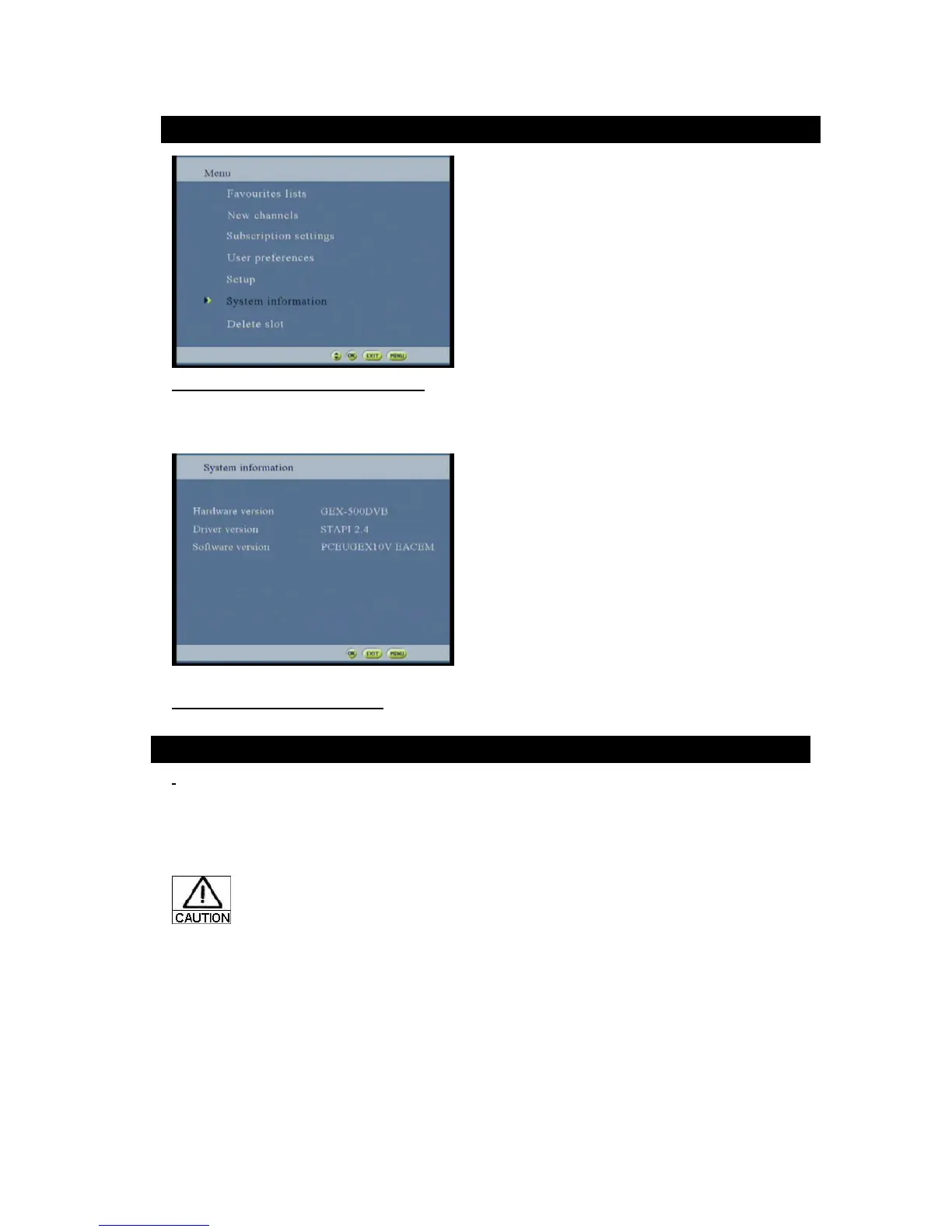
Figure 71: System Information option screen
This screen gives to the user some information about the STB (Driver Version, Software Version and hardware
Version).
(The version shown on the screen may be different from the actual one)
Figure 72: System information screen
Batteries need to be charge.
-Open the batteries compartment on the back of remote
-Remove batteries
-Insert 2 new types AAA ACC
-Check the polarities
-Close compartment



 To Next Page