39
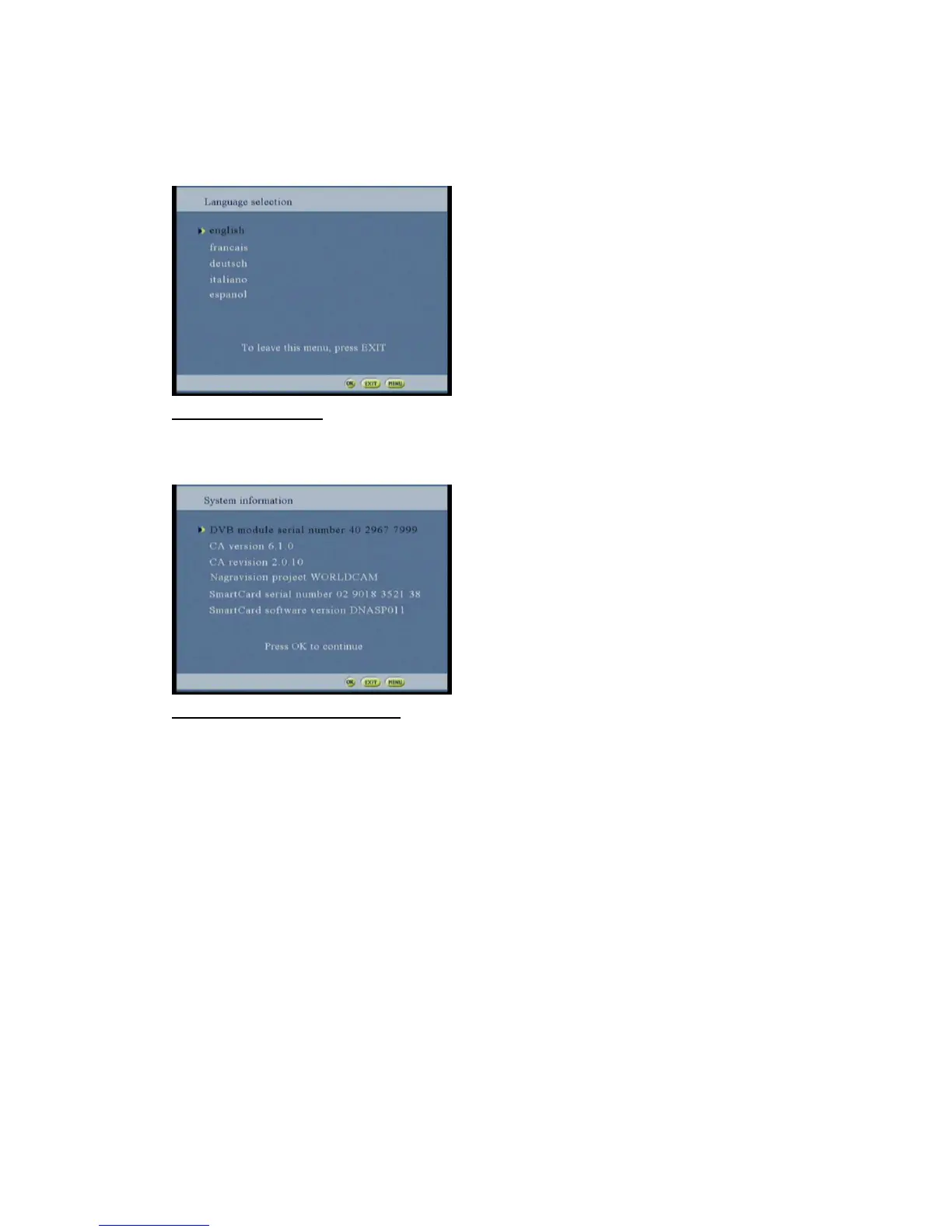
Selecting the language option and the language screen will be displayed
(Information will be displayed according to the CA card used)
Select the language wanted by pressing the ok button
Figure 69: language screen
Selecting the CA system information option and the CA system information screen will be displayed
(Information will be displayed according to the CA card used)
Figure 70:CA system information screen



 To Next Page