27
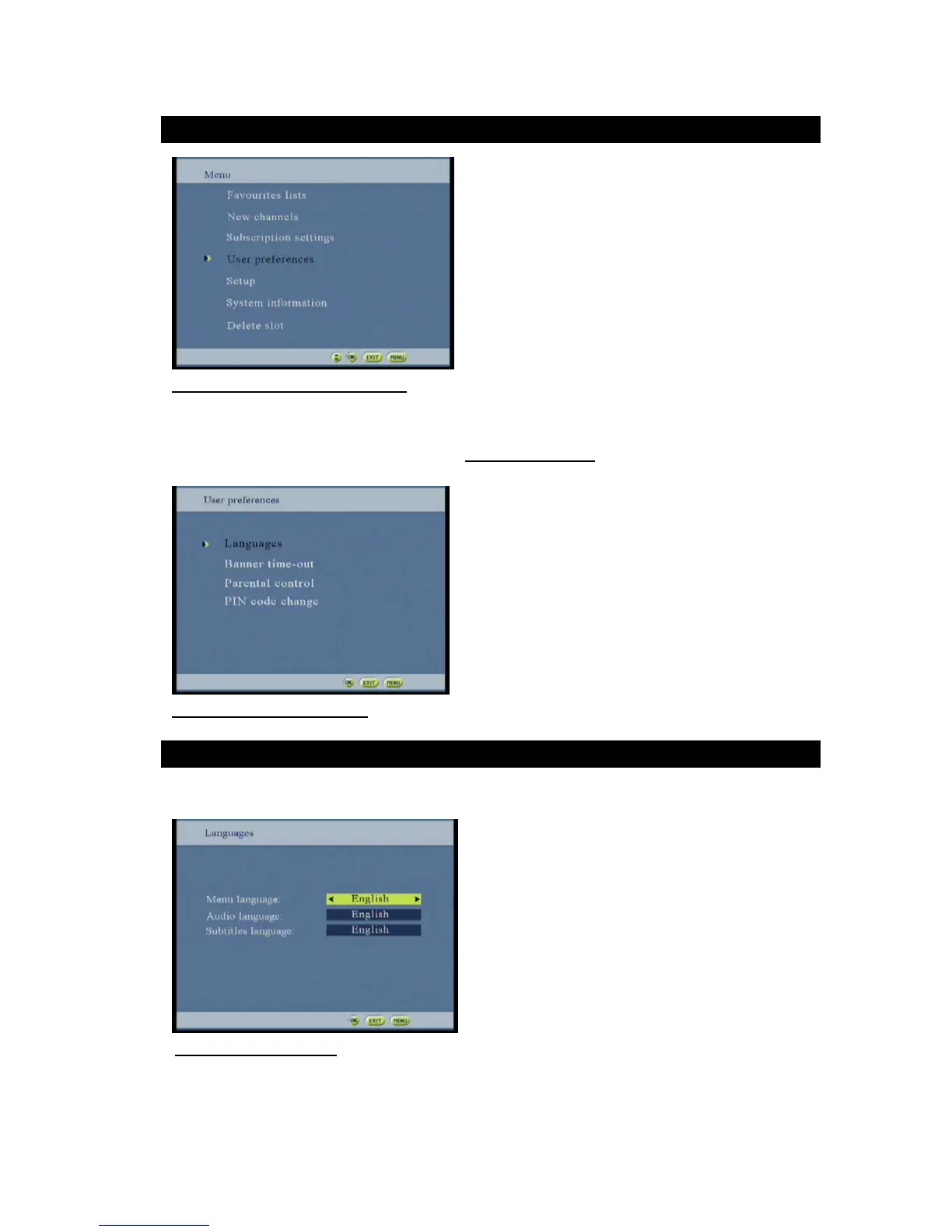
Figure 32: User preferences option screen
This screen allows the user to customize the STB. The user can set his preferred languages, activate or not some
locking and change the PIN code.
The access of this menu can be protected by PIN code (6.Access control screen).
At the main menu select the user preferences
Figure 33: User preferences screen
This screen allows selecting the menu language, the default audio language and the DVB (Digital Video
Broadcasting)-subtitle language.
Figure 34: Languages screen
Select the required menu option by using buttons
Select the required Languages option by using buttons
Press OK to confirm and save the settings



 To Next Page