25
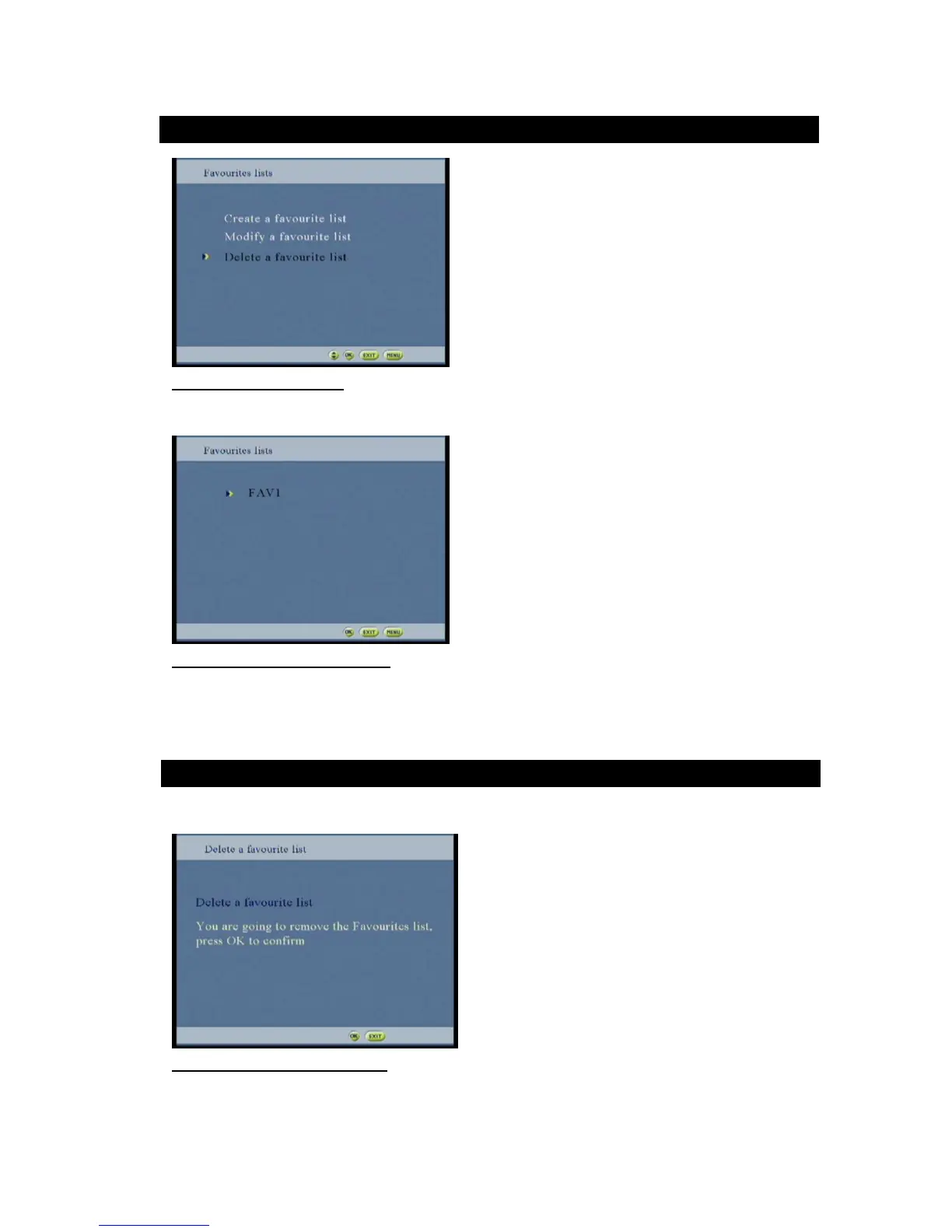
Figure26 :Delete option screen
This screen allows deleting a favorite list.
Figure 27: Delete a program list screen
Select the delete favorite list
Use to mark the list to be remove
Press OK to confirm
This popup allows the user to confirm or not the deletion of a favorite list.
Figure 28: Delete confirmation popup



 To Next Page