38
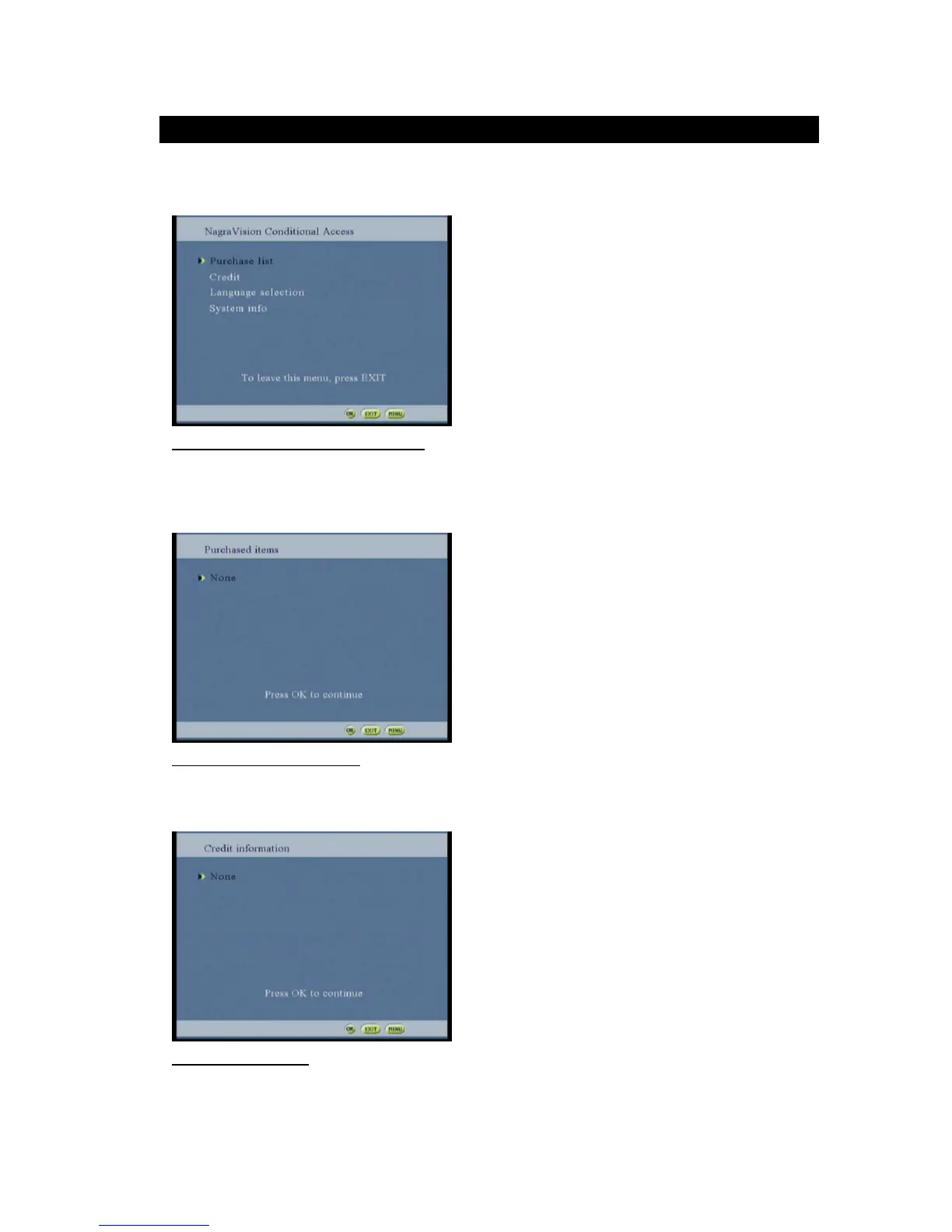
This screen allows the CA System plug-in to manage an ENQUERY command.
The edit box is below the text item and is managed by the CA System plug-in after the user has press OK.
Figure 66: Conditional Access system screen
Select the purchased option and the purchased item screen will be displayed
(Information will be displayed according to the CA card used)
Figure 67: Purchased item screen
Selecting the credit option and the credit item screen will be displayed
(Information will be displayed according to the CA card used)
Figure 68: Credit screen



 To Next Page