34
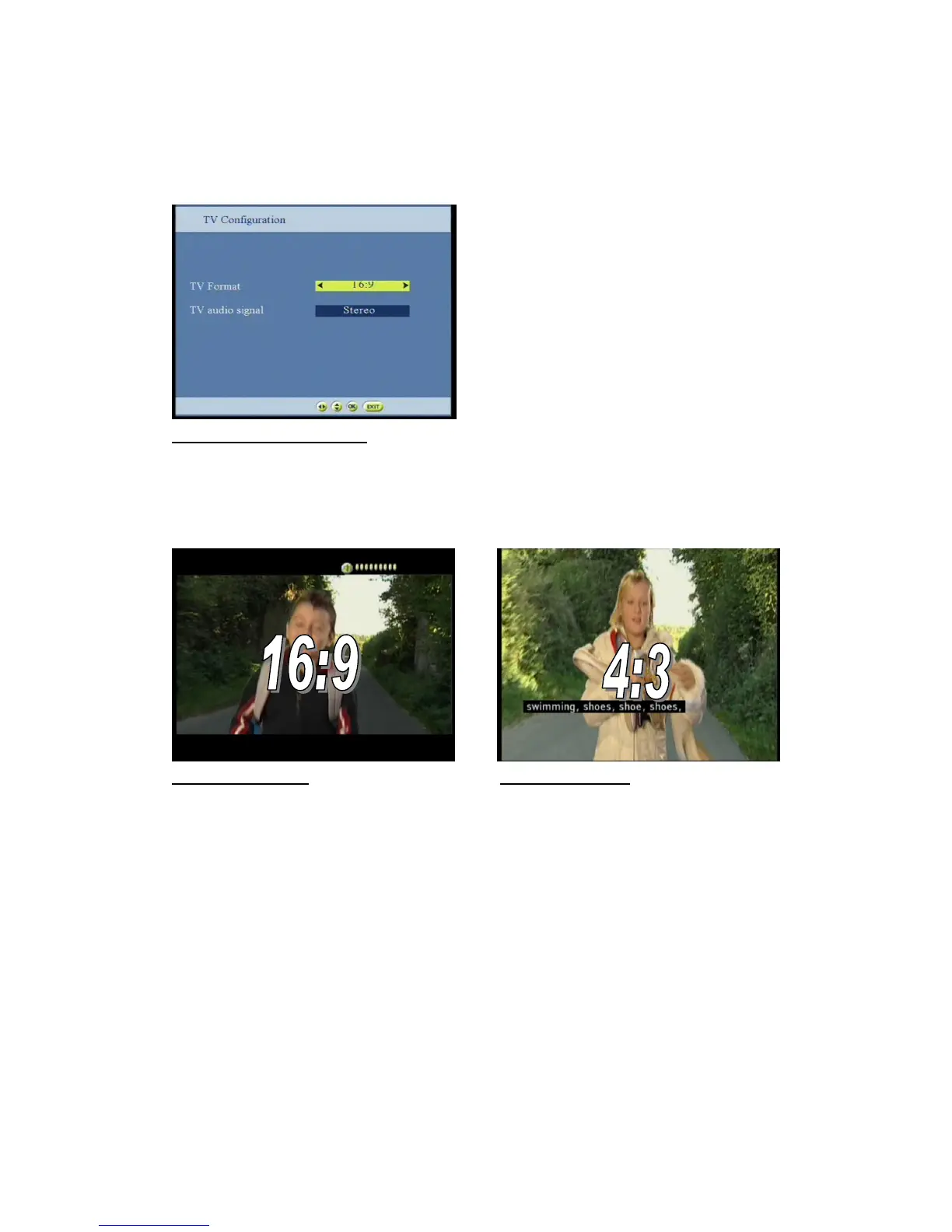
The TV configuration menu allows you to match the tuner to the connected monitor
-Select the required setting by using the keys
-Press the OK button to save your values and then exit the menu
Figure57: TV configuration screen
Depending on the TV format, the format of the video on the TV SCART is automatically converted to 4:3 or 16:9
According to the received data.
The TV Output signal means that the video signal is sent in PAL on the TV SCART.
+It is possible to switch the screen display, IF the selected transmitted signal is 16:9 formats
Figure 58=16:9 (screen) Figure 59= 4:3 (screen)
TV format:
4:3 Letterbox / 4:3 Pan Scan / 16:9
TV output signal:
PAL
TV audio signal:
Stereo / mono
White=screen



 To Next Page