4.1 Software Installation/Uninstall
4.1.1 Software Installation
1) Start your computer
2) Stop all applications running in the computer (recommended).
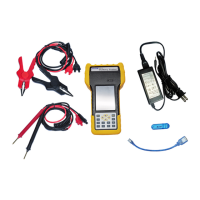
3) Connect the PITE USB with computer.
4) Find installation folder and double click the file named “PITE 3915 Battery Tester Data View
setup.exe” to start the installation.
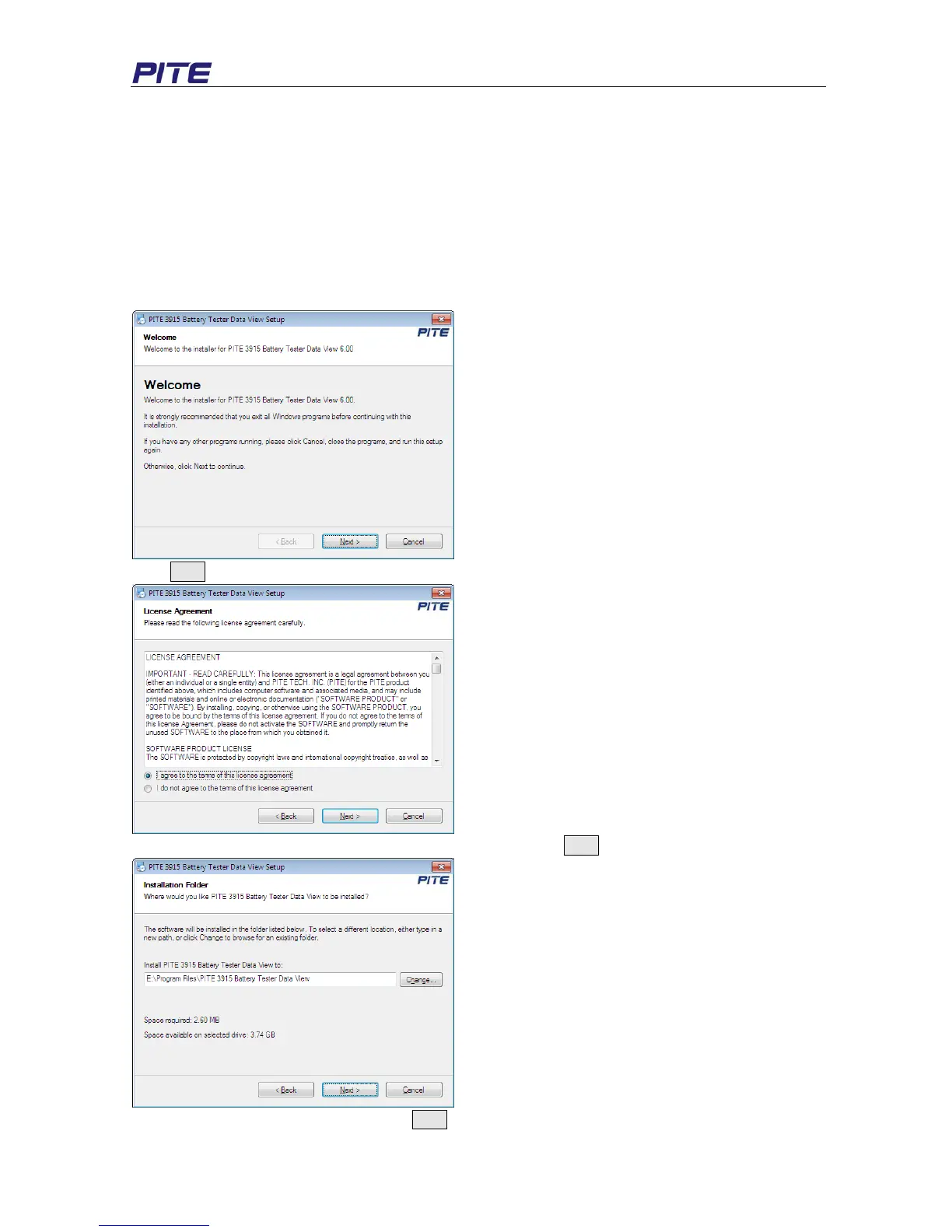
Installation screens will be as below.
Click Next to enter into the following screen:
Select “I agree to the terms of the license agreement” and click Next to enter the following step:
Change the setup root if necessary, click Next and you will come to this step:


 To Next Page