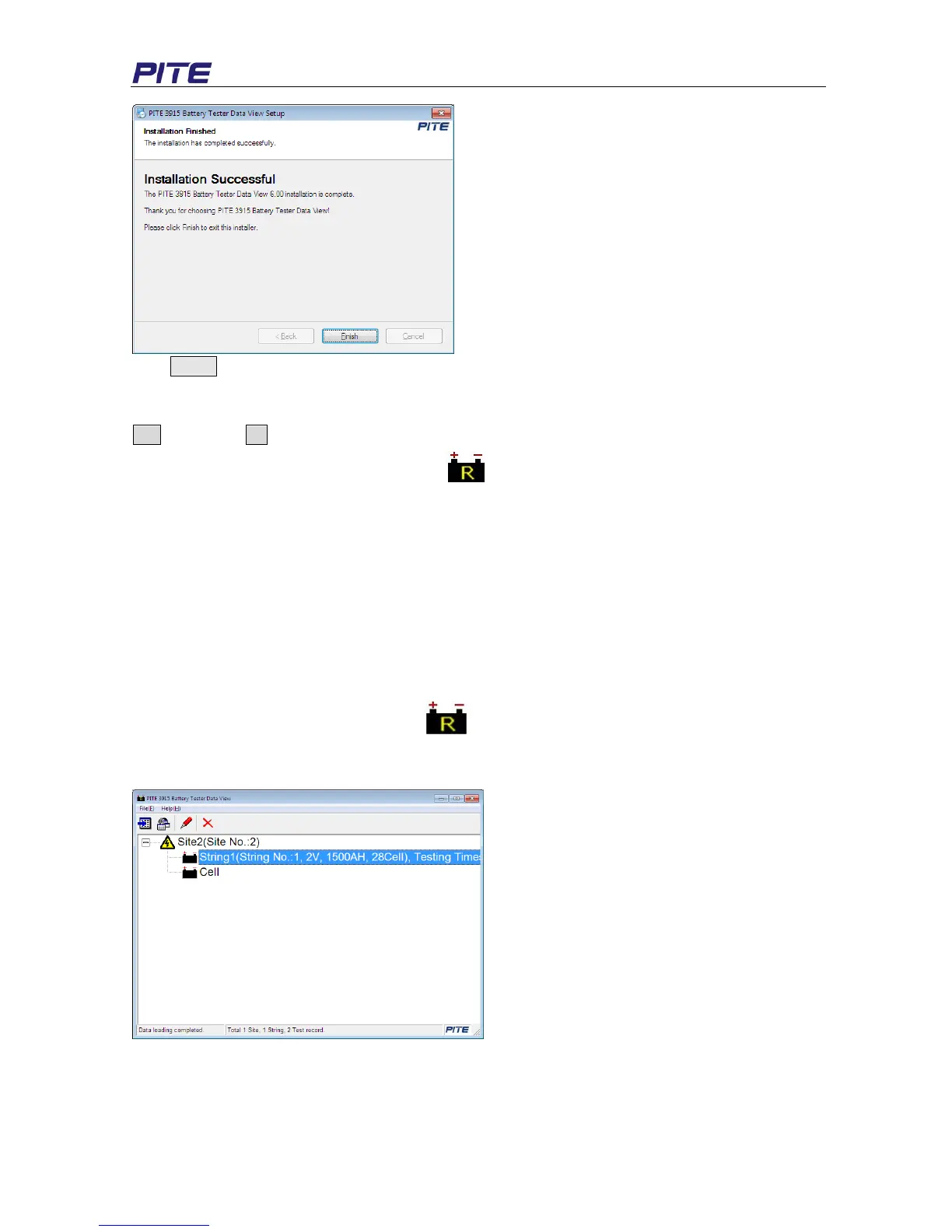
Click Finish to complete the installation.
A window will pop up:” Installation completed. Do you want to start the management software?” Click
Yes to start it or No to close the window.
After installation is done, you will see the icon on the desktop. If you could not see it on desktop,
it can also be found in “Start” menu.
4.1.2 Software uninstall
To install the software, please follow these steps: Start program PITE 3915 Battery Tester Dada
View Uninstall PITE 3915 Battery Tester Data View
4.2 Software Operation
This analyzing software is applied to PITE 3915 Battery Tester. Any generated report will be saved
automatically in the PC. You could save, delete or print testing data as per your need.
To start the software, double click the icon
. And the main screen will pop up as Fig 4.2.a. You
will see the example data in the screen. This example could be deleted after you have imported your
data.
Fig 4.2.a
4.2.1 Import Data
All testing data are saved in PITE 3915 main unit and it could be transferred to computer via USB drive
for data analyzing. For proper operation, please use PITE’s USB drive only.


 To Next Page