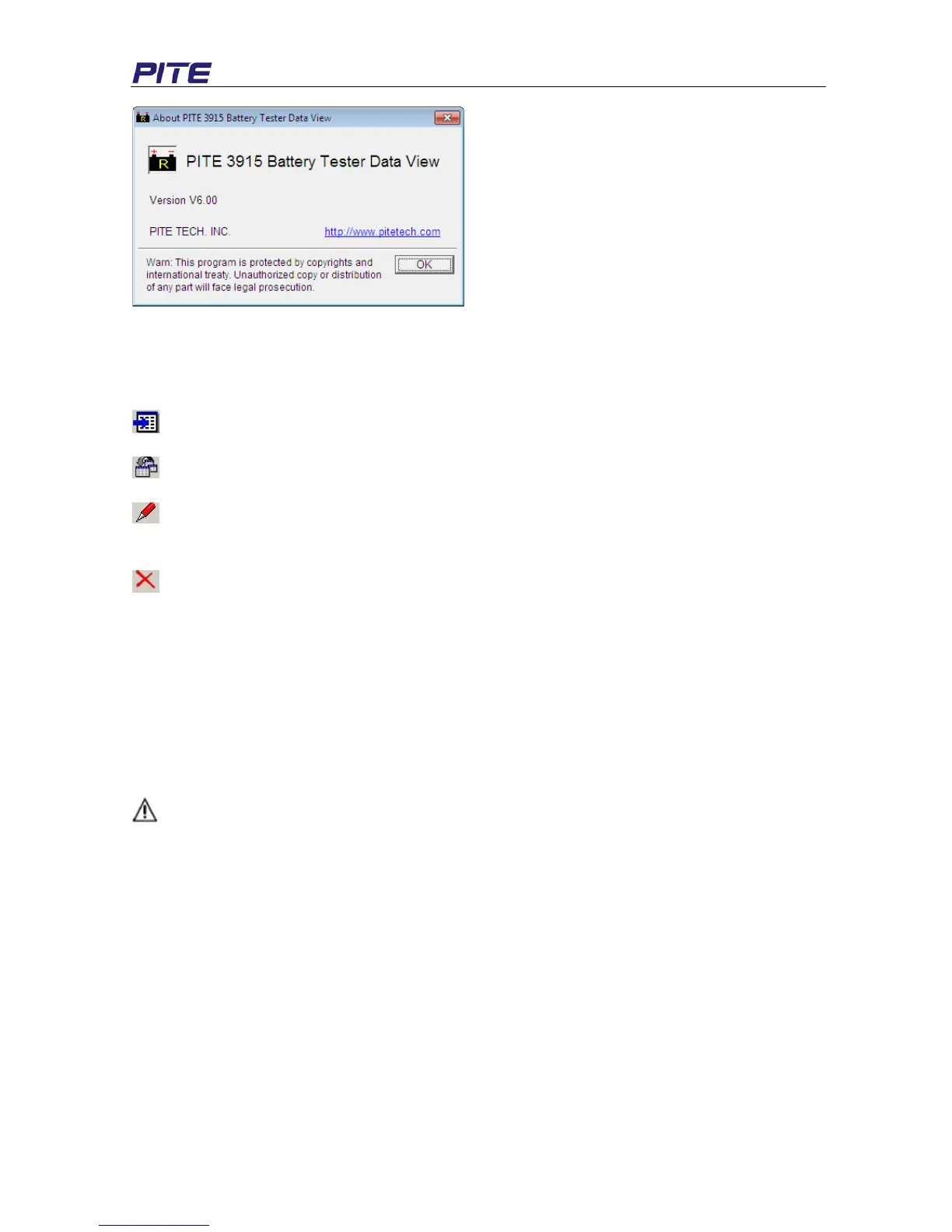
Fig 4.3.a
4.4 Hot Key
On the top the DataView main screen, there are some shortcut keys with means as below:
Import Data
View Data. Select string or cell item and click the button to view the test data.
Modify site or string information. Select site or string item and click the button to edit test
information.
Remove site or string data. Select site or string item and click the button to erase it.
5. SERVICE AND MAINTENANCE
5.1 Cleaning
Please clean PITE 3915 main unit and its accessories with soft damp cloth and a mild cleaner. Do not
use abrasives, solvents, or alcohol, because they can deform or discolor the tester and accessories.
After cleaning voltage testing clip with software cloth, clean it again with water and wipe it. Do not
damage the metal part of the clips to ensure its accurate performance during testing.
WARNING: For your own safety, make sure that the main unit and accessories are not connected
with the power supply before cleaning.
5.2 Storage
After using PITE 3915, put the main unit and all its accessories into the carrying case, and store the
case in ventilating place under proper temperature and humidity. Never expose the Tester and its
accessories to water, high humidity, or dampness. If not used for a long time, the Li-battery will
discharge itself gradually. To keep its best performance, you are suggested to charge the battery
periodically, like once a month.
5.3 Battery maintenance
When the PITE 3915 is delivered from PITE factory, it may not be power off. Please charge it before
operation. In the status of charging, the charging indicator is red. When it is full-charged, the indicator
turns green. It could be used for about 5 to 6 hours if the battery is full charged.


 To Next Page