Page 24 of 37
5.5.2 Firmware download displays progress bar dialog, but the process hangs and never
shuts down the printer.
The print driver data port is configured incorrectly for the printer. For example, this would happen if you
were trying to download the firmware via USB communications when in fact you have set up a TCP/IP
mode of data communications with the printer via Ethernet.
6. Service Actions
6.1 What do I need to check prior to initiating a firmware update in the
printer? (Both)
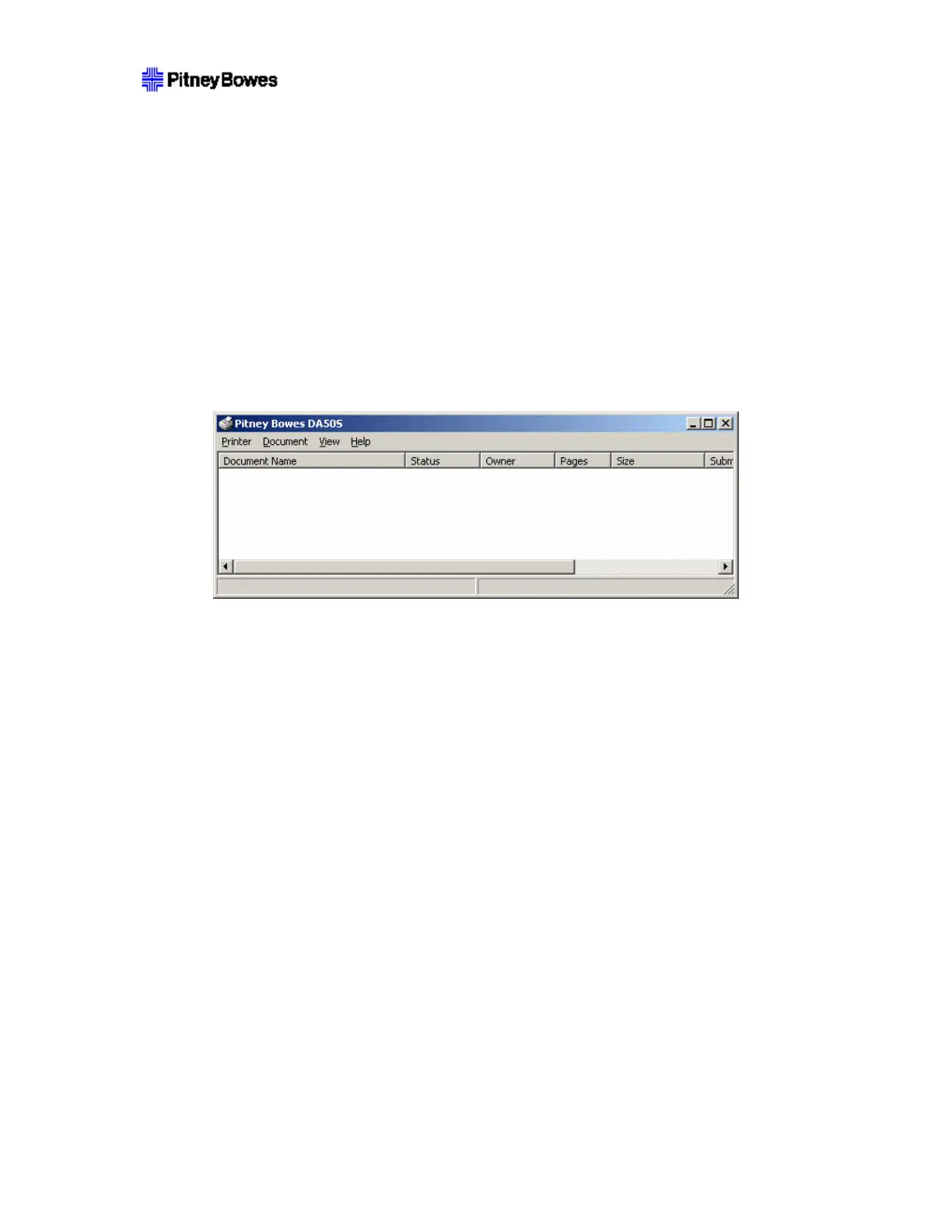
Be sure that the print has no work waiting for it to complete. This is done by opening the printer properties
from the Start > Settings > Printers menu and double clicking on the target printer in the list.
This will bring up the following form to check if any documents are pending:
If any document is listed in there, it needs to complete printing, or be cancelled before starting. Select
Printer > Cancel All Documents to cancel all pending jobs. Wait until all jobs are canceled before
beginning the update.
NOTE: It may be necessary to wait some time for the process to complete, and it may be necessary to
explicitly cancel the spooler if a document gets ‘stuck’ while deleting.
When a deleted job does not go away, try restarting the spooler. Printer driver window may not update the
status immediately, pushing F5 helps to refresh the status of printer queue.
NOTE: The following process requires that the user have Administrator rights to the PC.
To restart spooler:
1. Click on Start > Run.
2. type cmd and press the Enter key
3. Stop spooler using command line: NET STOP SPOOLER.
4. Start spooler using command line: NET START SPOOLER.
6.2 What happens when the TCP/IP cable is connected while actively
printing from USB?
While printing the job through USB, if the user plugs in the TCP/IP, the printer just ejects 7 blank
envelopes and continues printing. However we don’t lose any addresses. It was found from the log that the
sensor stops working for nearly 1.5 seconds.
The user may tend to do this to capture the log during the print job through USB.
The recommendation is to not plug in anything while the machine is powered on, but if it does happen this
will be the result.



 To Next Page