Page 33 of 37
Select the target printer driver from the Install Printer Drivers
listbox.
Click Remove. Click Yes to the Are You Sure
prompt.
Click OK to close the Printer Server Properties
dialog.
5. Reboot the PC.
9.14 Send .PRN File to Printer
Send .PRN file to printer as follows:
1. Click Start > Run.
2. Type cmd and press OK.
3. Type print
FILENAME > PORT; where FILENAME is the file you wish to send to the printer and
PORT is the port on which the printer resides.
This will send the specified file to the specified port. Be sure to include the fully qualified filename,
including any path information. Remember, the .PRN file is printer type specific and if sent to a
different type of printer may result in unusual behavior.
9.15 Setup Tray or Bundle Break from Fixed Head Driver
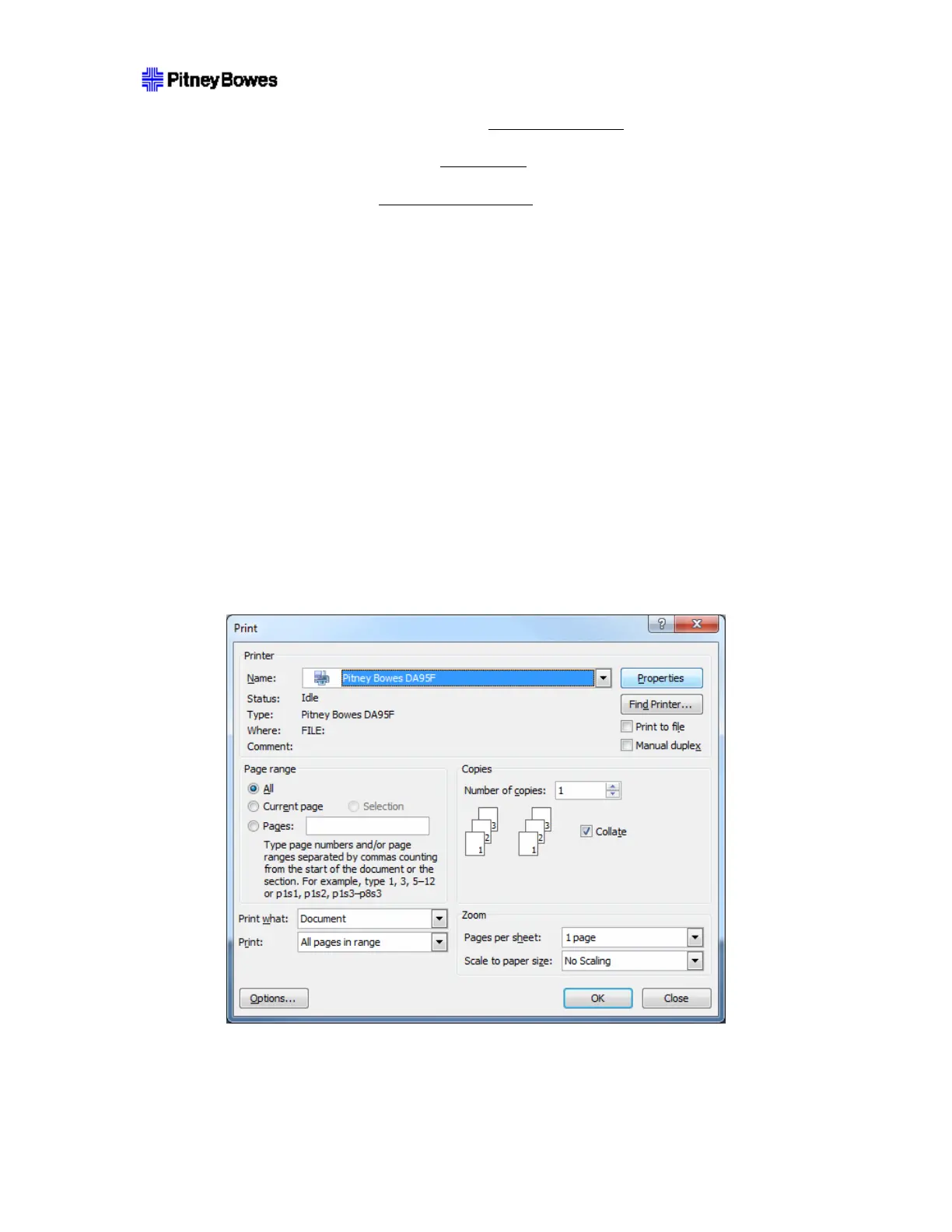
1. Select Properties from the Print dialog.
2. Click the Advanced tab.



 To Next Page