Page 29 of 37
9.4 Clear Communications Buffer
1. Take printer OFF LINE by pressing On Line until green power LED goes off.
2. Enter Setup Menu by holding down the Menu key until the Setup Menu shows up.
3. Press the + key four times to go to the Communications menu.
4. Press Enter once.
5. Press + twice to get to the Clear Memory option.
6. Press Enter.
7. Press + for Yes and wait until Message that the buffer has been cleared comes up on display.
8. Return to Offline by pressing menu repeatedly.
NOTE: Wait for display to clear after each button press.
9.5 Cancel Print Job (any printer)
First, clear the communications buffer in the Printer
Then be sure that the printer has no work waiting for it to complete. This is done by opening the printer
properties from the Start > Settings > Printers menu and double-clicking on the printer in the list.
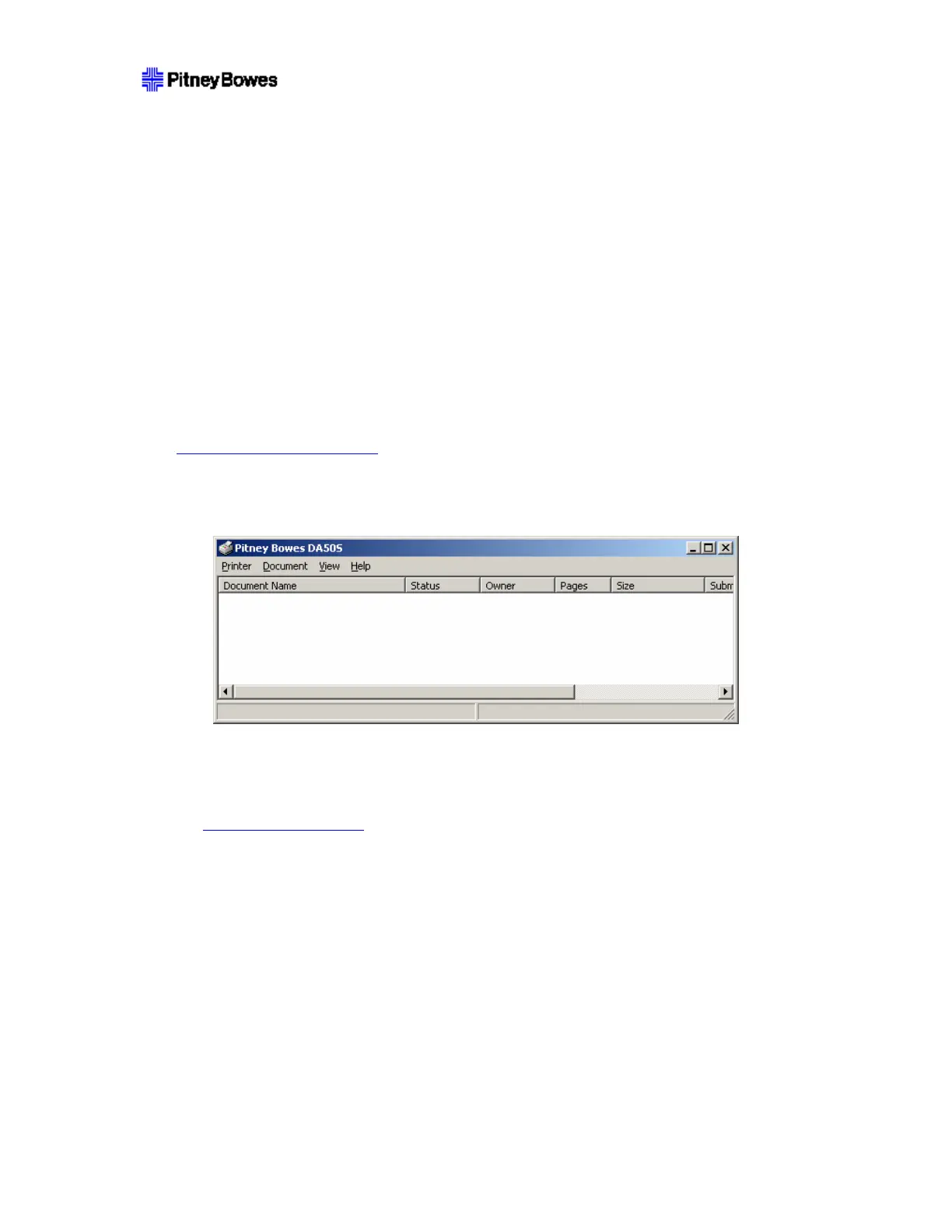
This will bring up the following form to check if any documents are pending.
If any document is listed in here, it needs to complete printing, or be cancelled before starting. Select
Printer > Cancel All Documents to cancel all pending jobs. Wait until all jobs are canceled before
beginning the update.
NOTE: It may be necessary to wait some time for the process to complete, and it may be necessary to
explicitly reset the PC Print Spooler
if a document gets ‘stuck’ while deleting.
Printer driver window may not update the status immediately, pushing F5 helps to refresh the status of
printer queue.
Put printer Online to verify that no material is pending in printer or PC.
9.6 Reset PC Print Spooler
NOTE: The following process requires that the user have Administrator rights to the PC.
To reset the spooler when some job was deleted and is not going away:
1. Click on Start > Run.
2. Type cmd and press the Enter key.
3. Stop spooler using command line: NET STOP SPOOLER.
4. Start spooler using command line: NET START SPOOLER.



 To Next Page