8. Tap Class to view the class and any extra services.
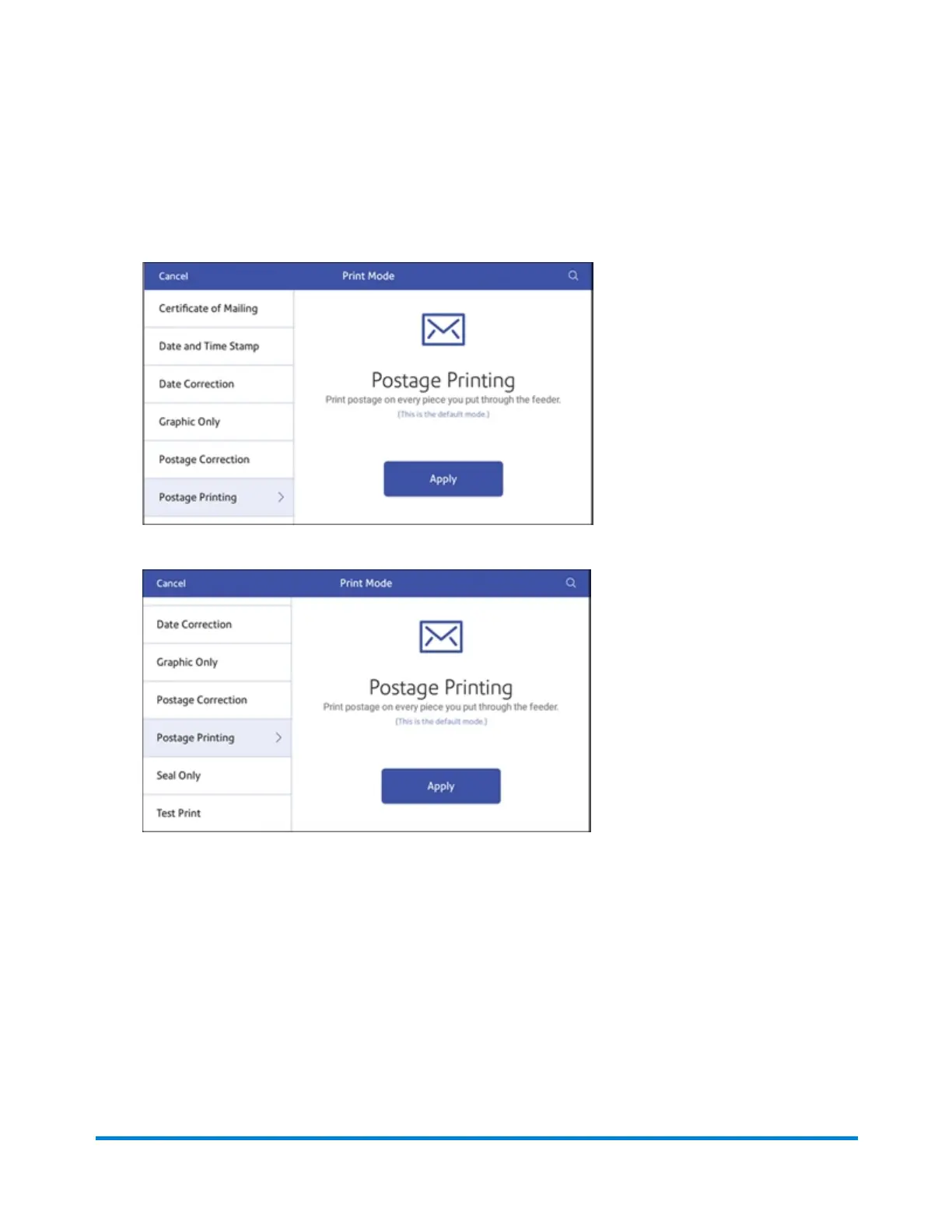
9. Tap Print Mode to access the Print mode screen. This provides you with different printing modes
such as adding graphics to your envelope, adding more postage, or making corrections to the
date. You can also choose to only seal envelopes without printing any postage.
10. Scroll down to view additional options.
11. Tap the mode you wish to select:
l Certificate of Mailing
l Date and Time Stamp
l Date Correction
l Graphic Only
l Postage Correction
l Postage Printing - Printing postage on an envelope is the default mode.
l Seal Only- Bypass all printing.
l Test Print - Check the quality of postage imprint.
Printing on envelopes
Pitney Bowes Operator Guide March 2020 96










 To Next Page