Printing a shipping label or printing postage on an
envelope
You can either create a shipping label or print postage on an envelope. For a shipping label, tap
Trackable Labels or Shipping Labels on the Home screen. For postage, tap Envelope Printing or
Print on Envelopes on the Home screen.
Use Trackable Labels or Shipping Labels to get the best pricing, free tracking, and detailed delivery
history for USPS package services. You can also send via UPS® or FedEx®. The packaging options
and benefits are almost identical.
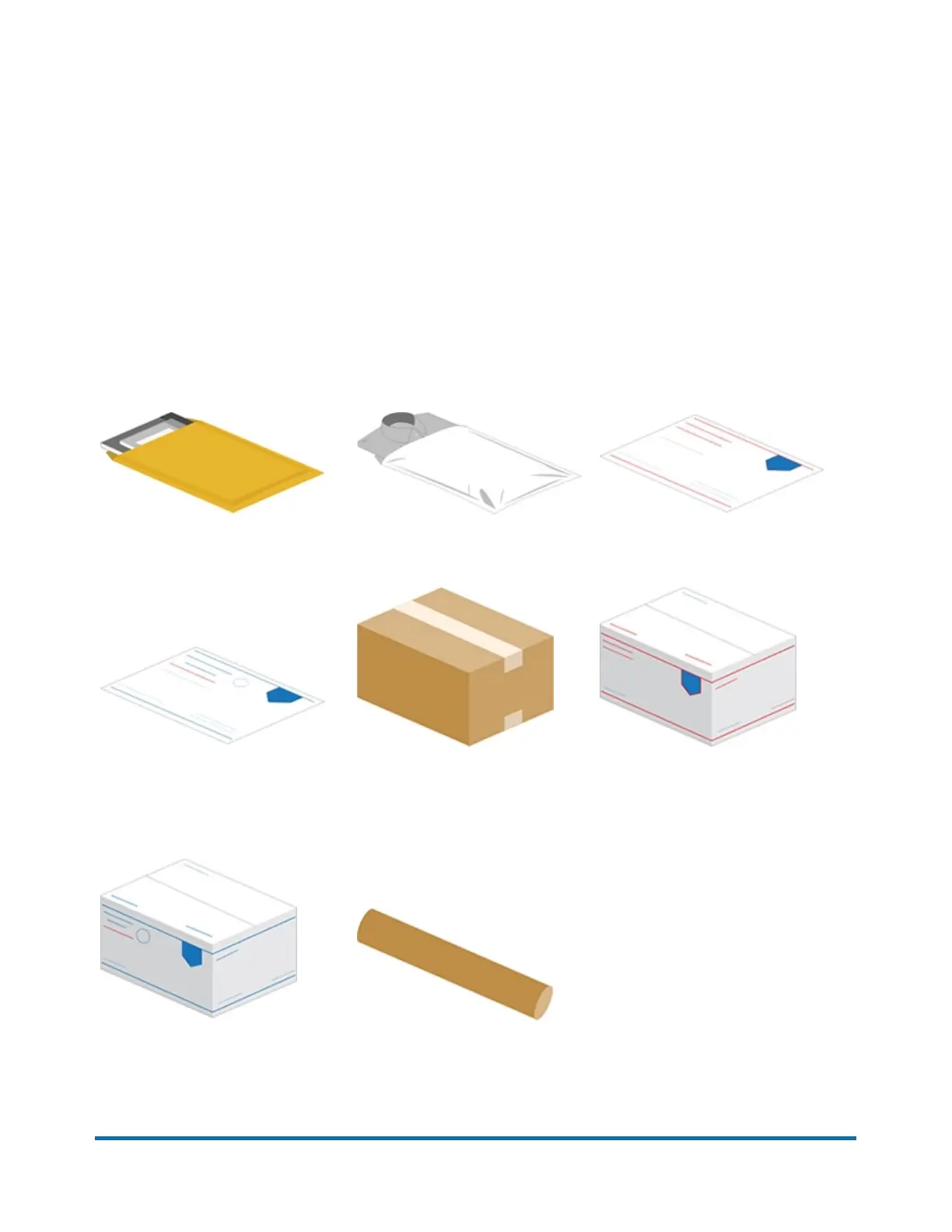
Use Trackable Labels or Shipping Labels for the following
Thick envelopes
Poly mailers
USPS flat rate envelopes
USPS non flat rate envelopes
Boxes USPS flat rate boxes
USPS non flat rate boxes
Tube
Pitney Bowes Quick Start Guide April 2022 7












 To Next Page