Multi-Display Control
40 EP4650/EP5550 User Manual
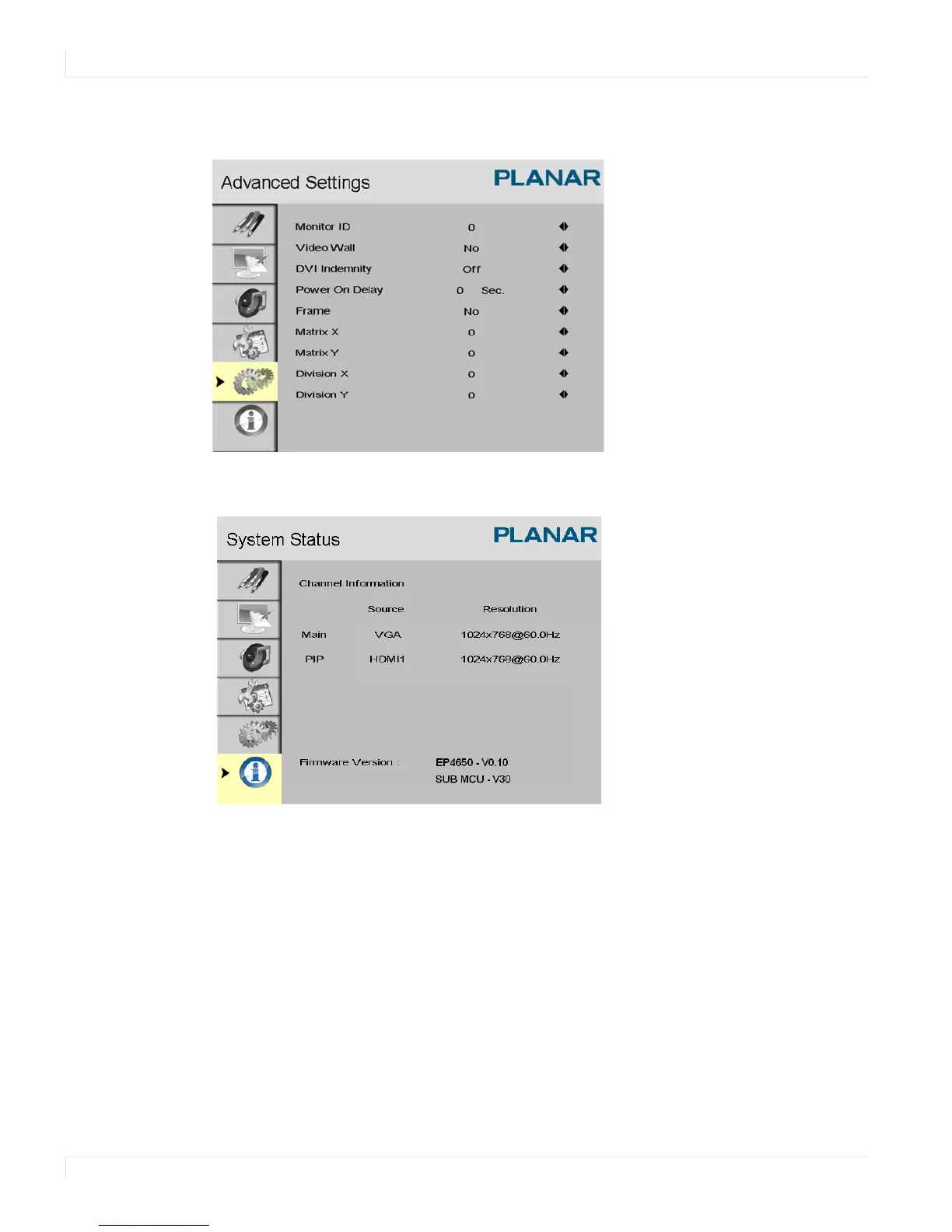
Multi-Display Control
System Status
Navigating Through the Menus
1 With the power on, press MENU. The IMAGE SETTINGS menu appears.
2 Within the menu, use ▲, ▼, , and ENTER to navigate through the menus and
adjust options.
3 Press MENU to return to the previous menu. To exit the menu system, press EXIT.



 To Next Page