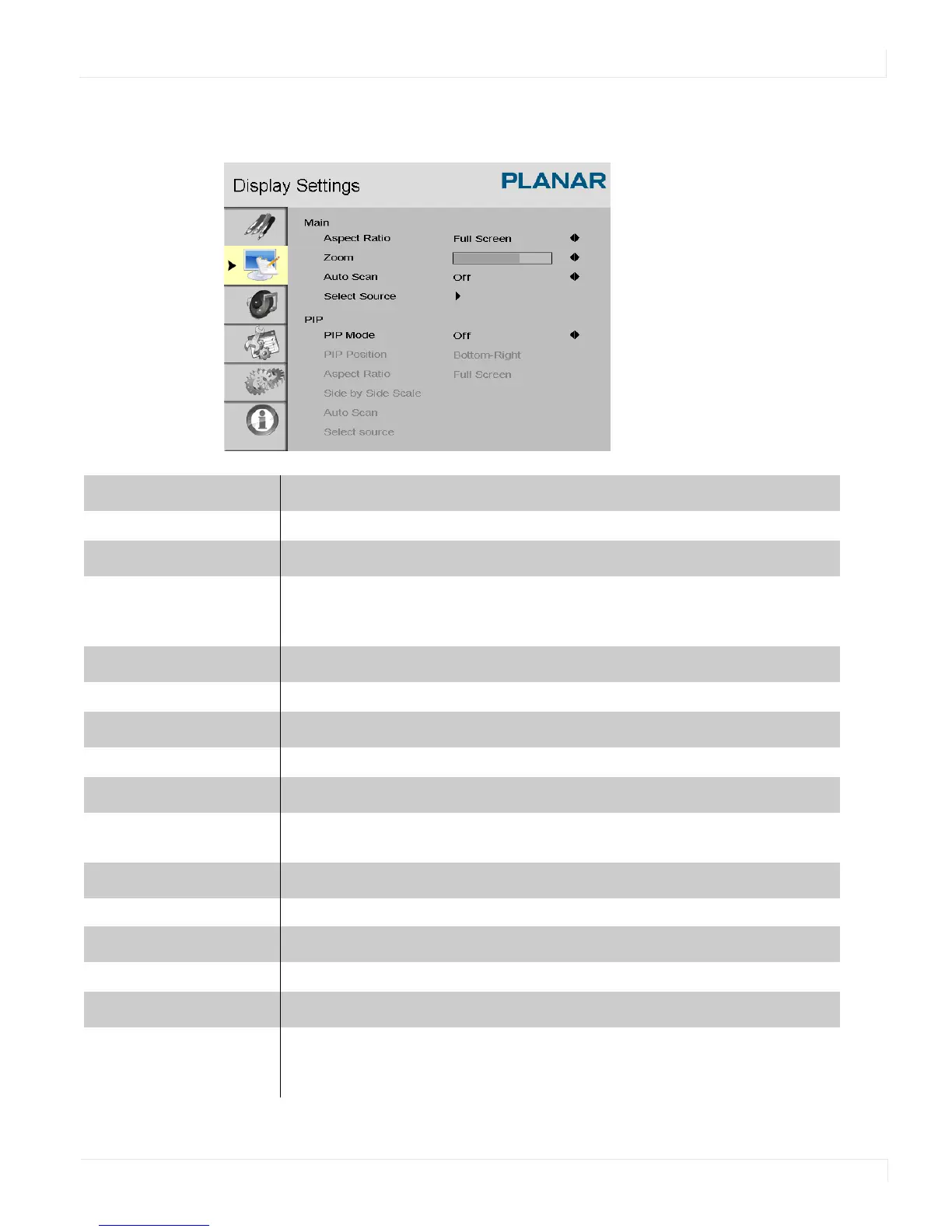
Display Settings Menu
EP4650/EP5550 User Manual 43
Display Settings Menu
Main
Display Setting Mode
Aspect Ratio
Changes the picture’s aspect ratio
Press
or to select the following options:
Options: Full screen, Pillar Box, Letter Box, Native
Zoom
Range: 0~10
Auto Scan
Range: On, Off
Select Source
Options: HDMI 1, HDMI 2, SDI 1, SDI 2, VGA, Component, S-Video and Video
(composite)
PIP
PIP Mode
Options: Off, Large PIP, Middle PIP, Small PIP and Side-by-Side
PIP Position
Options: Bottom-Right, Top-Left, Top-Right and Bottom-Left



 To Next Page