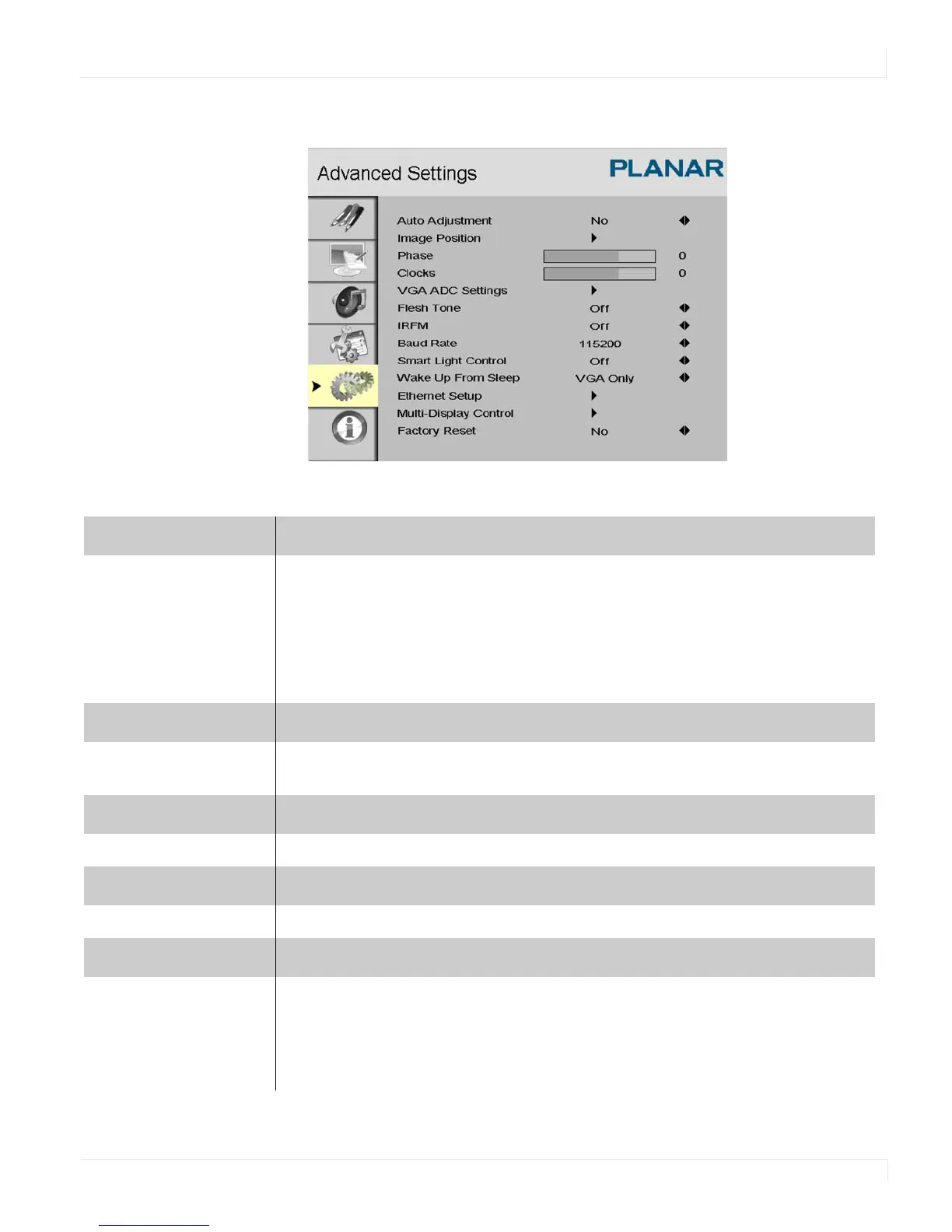
Advanced Settings Menu
EP4650/EP5550 User Manual 51
Advanced Settings Menu
Auto Adjustment
Forces the ep46L/ep55L to reacquire and lock to the input signal. This is useful
when the signal quality is marginal.
Note: This feature does not continually reacquire the signal. It only does so each
time you select this option.
Options: No, Yes
Image Position
Adjust the image location (VGA Mode only).
Options: Up, Down, Left, Right
Phase
Range: 0~63 (VGA Mode only)
Clocks
Range: 0~100 (VGA Mode only)
VGA ADC Settings
Select the ADC setting, User ADC Calibration, or restore factory default ADC
setting.
Options: Default, User



 To Next Page